
Sell once. Deliver by itself.
Buyers pay, then get their file, video or group link. You stop sending files by hand.

Trusted by these companies














Before & after BCL
How it works
What you can do
Files, video, text & private links
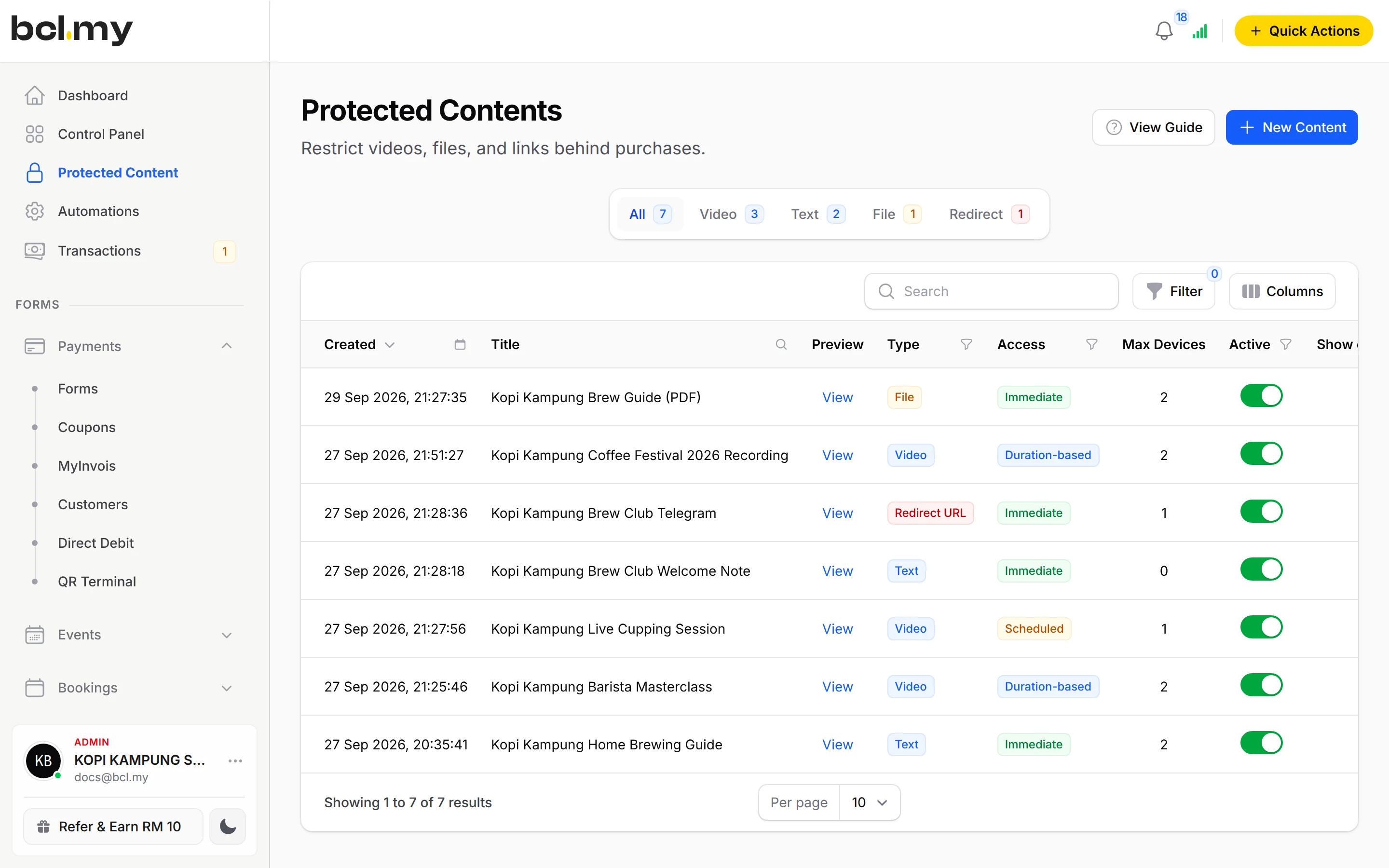
Protected Content holds up to 10 files of 5MB each, videos from YouTube, Vimeo or Facebook, text, and a link to a private Telegram or WhatsApp group.
One-time code for every buyer
The code goes to the buyer's own email, phone or WhatsApp, so a forwarded link is no use.
Access rules
Open straight away, only between two dates, or for a number of days after purchase. Limit devices and downloads.
Pay-per-view live streams
Sell a live class or event with stream themes and live ad breaks.
Customer Access
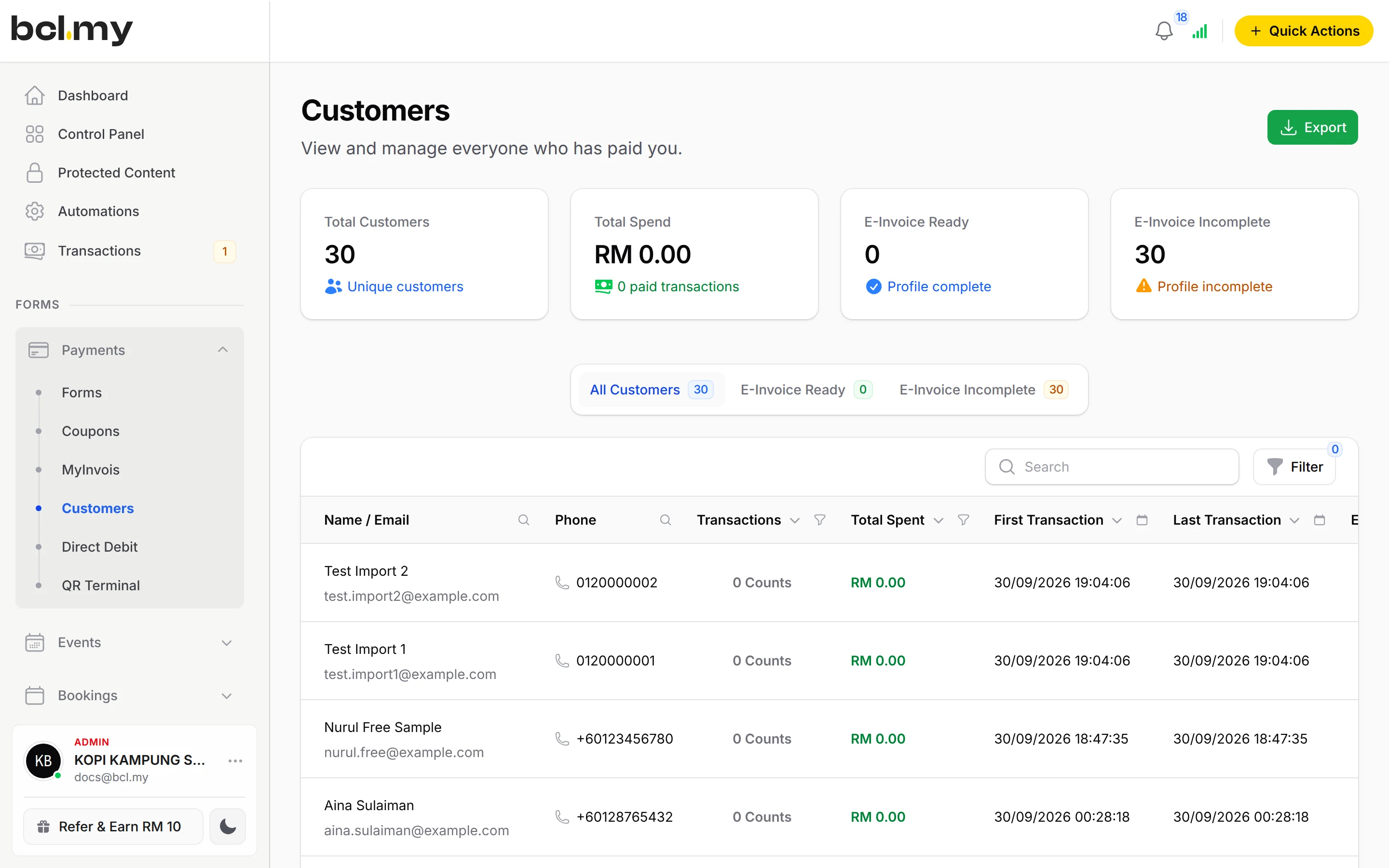
See every buyer, resend or revoke access, and let buyers find their content again in the Customer Portal.
How your customers pay
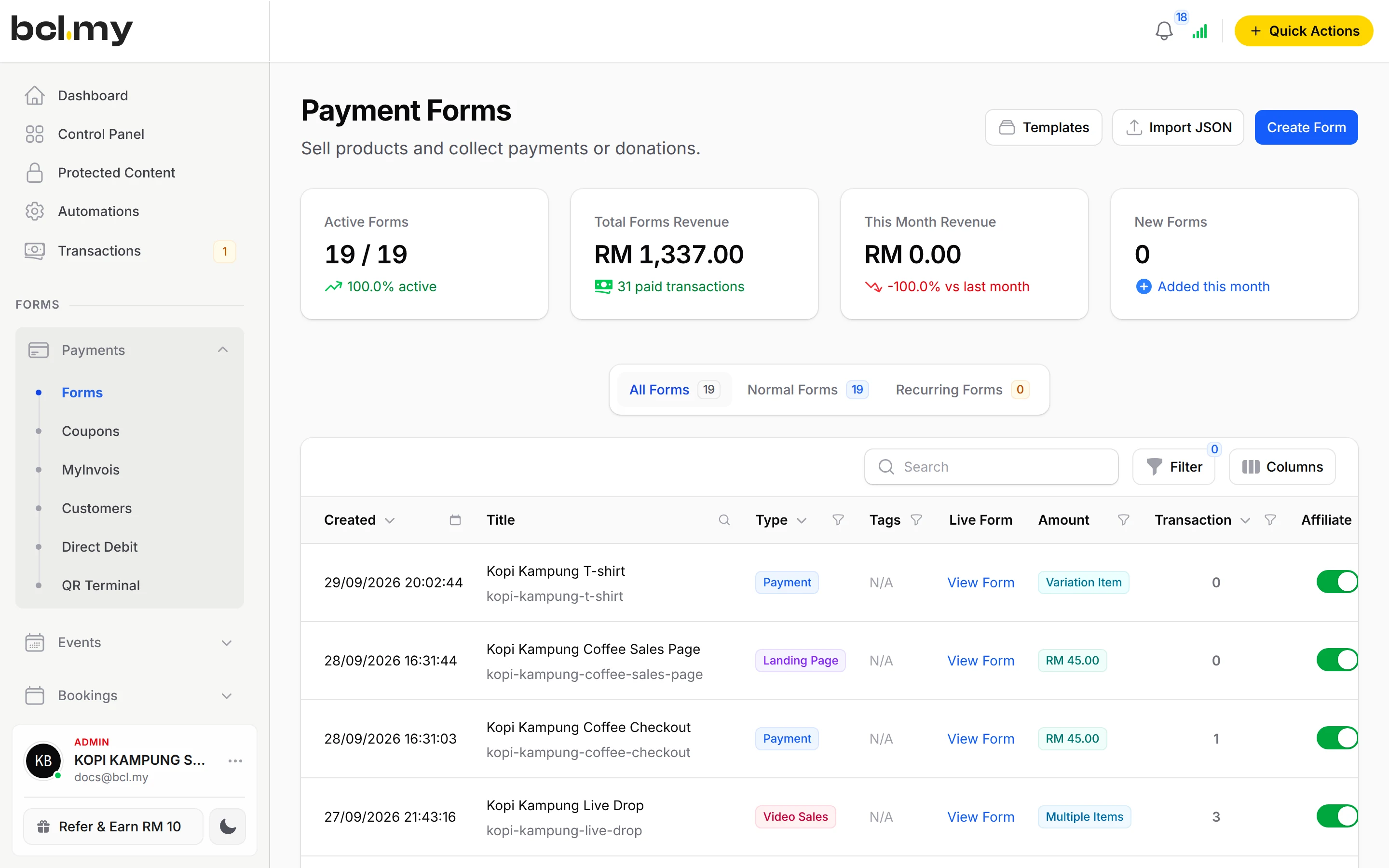
Buyers pay by FPX or DuitNow QR as standard, and cards or e-wallets once Bayarcash switches them on. Money goes through Bayarcash to your bank and BCL records the sale. Real payments need an approved Bayarcash account. A plain Download Link needs no add-on. Protected Content is the OTP-Protected Content add-on, paid monthly or yearly and invoiced, never auto-charged.
Good to know
- A Download Link can be opened by anyone who gets it. For access that cannot be shared, use Protected Content.
- Protected Content needs the OTP-Protected Content add-on. The one-time code is always required and buyers cannot turn it off.
- The Download Link route works on Multiple Items forms and reaches the buyer in a custom email.
- A file in Protected Content is one of up to 10 files, 5MB each.
- There is no refund button. Refund outside BCL, then cancel the order.
See it live
Opens a live example page. Please do not pay.
- Payment form Free Ebook: 7-Day Balanced Meal Plan Free download with Protected Content Sihat Plate Nutrition, a nutritionist giving away a meal-plan ebook as a lead magnet Open the example
- Payment form Canva for Small Business: sales page and checkout Two-step funnel: sales page, then checkout Kelas Digital Aida, an online course creator selling a design course Open the example
- Protected content 4-Week Home Workout with Coach FitRumah Paid members area with a one-time code FitRumah Personal Training, a personal trainer selling a members-only programme Open the example
Questions owners ask
Can I use a Google Drive link?
Yes. Paste it as the Download Link on the item. It needs no add-on, but anyone with the link can open it. Protected Content asks for a one-time code first.
Why did my buyer not get the download link?
The link is only sent in the custom email. Open the form, go to Notifications, then Custom Email Notifications, turn on Enable Custom Email Content and put {product_table} in Email Content.
Can a buyer share their link with friends?
With Protected Content, no. Each link opens only after a one-time code that goes to the buyer's own email, phone or WhatsApp.
Do I need an add-on?
Not to start. Payment forms, payment links, coupons and transactions need no add-on. Add-ons unlock Event Management, Lead Forms, OTP-Protected Content, COD & Manual Transfer, LHDN E-Invoice and Courier Integration. Each is monthly or yearly, renewals are invoiced (never auto-charged), and you can cancel yourself.
Which payment methods can my customers use?
FPX online banking and DuitNow QR come as standard. Cards (Visa and Mastercard), e-wallets (Touch 'n Go eWallet, Boost, GrabPay), Buy Now Pay Later (SPayLater, Grab PayLater, Boost PayFlex) and cross-border QR (Singapore, Indonesia, Thailand and China) appear once Bayarcash switches them on for your account. Prices are in RM.
Can I give an ebook away free?
Yes. On a Multiple Items form, set the item's Amount (RM) to 0 and add a Download Link or protected content. The buyer fills in their details and gets it without paying. Free orders earn affiliates no commission.
Ready when you are.
Build your first form in Test Mode today. Connect Bayarcash when you want real payments.
Create your first form