
Only the right people get in.
Buyers open what they paid for with a one-time code. Your staff see only what you allow. You can check every request an AI agent makes on your account.
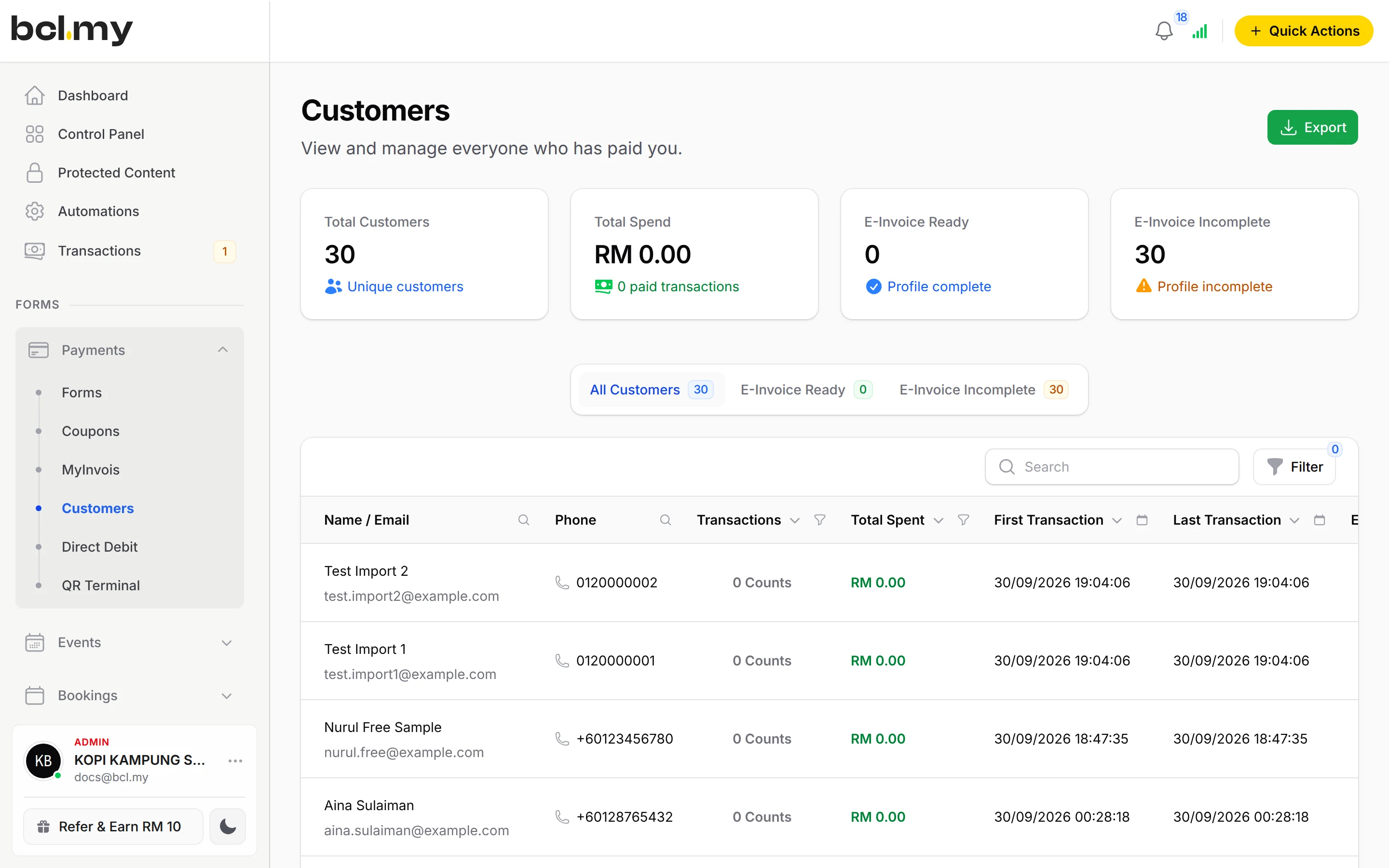

Your buyers sign in with a one-time code
No passwords for your customers to forget or share.
Customer Portal
Buyers type the email or phone they paid with and get a 6-digit code by Email, SMS or WhatsApp. The code lasts 10 minutes, and they can sign out any device they do not recognise.
Learn moreProtected Content
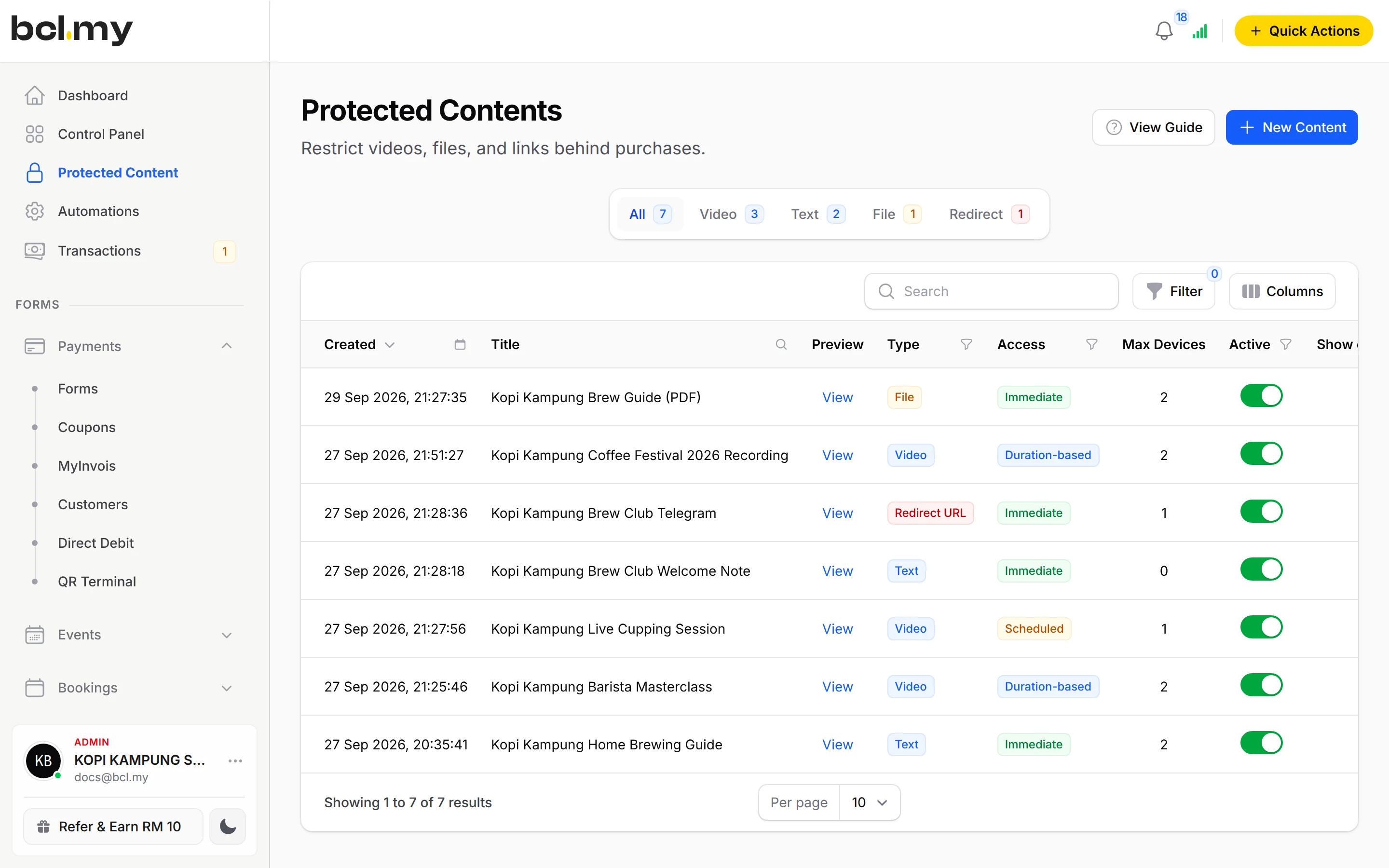
Paid videos, files, text and private group links open only after the buyer confirms a one-time code. You can also limit how long access lasts and how many devices can use it.
Learn moreYour team sees only what you allow
Give each staff member their own login instead of sharing yours.
Admins can Impersonate a member to see BCL exactly as that person sees it, then leave with one click.
Admin
Full access, including team members and payment settings. Give it only to people you trust with your whole business.
Team
For staff. You switch on each permission one by one, such as viewing transactions or editing payment forms. By default they see only their own data.
Crew Event
For event helpers who only check in attendees, and you can limit them to certain events.
Protect your own sign-in
Add a second lock to your BCL account on the Security tab of My Account.
- Two-factor sign-in: scan a QR code with an authenticator app such as Google Authenticator or Authy, and confirm the 6-digit code it shows. Keep your recovery codes safe in case you lose your phone.
- Passkeys: register your device, then sign in with your fingerprint, face or a security key instead of a password.
- A forgotten password is reset by email, with a link that works for 60 minutes.
Your own domain
Customers can pay on an address they know, such as order.yourshop.com.
Each BCL account has one custom domain. You point it to BCL with one DNS record, then switch on Use Custom Domain. A domain can belong to one BCL account only, so nobody else can use yours once it is saved.
A custom domain needs a BCL account connected to an approved Bayarcash account, and the owner or admin role.
Every AI agent request is logged
If you connect Claude, ChatGPT or another AI assistant to BCL, you can check what it did.
The MCP Audit Log under Tools lists every request made with your tokens and connected apps: when, which tool, and whether it worked. Only Admins can open it.
The log does not keep what the agent sent or what BCL answered, so it never stores your customers' details. If you see something you did not ask for, delete the token or revoke the connected app, and access stops.
Questions owners ask
Can my staff see my payment settings?
Not with the Team role. Team settings, team members and payment settings are for Admins only. Team members see only the areas you switch on for them.
Can someone open my paid video with a link a buyer shared?
Not without the code. Protected Content always asks for a one-time code sent to the buyer's own email, phone or WhatsApp before it opens.
How do I stop an AI agent I no longer trust?
Open the API Token tab under Platform Setup > Integrations. Delete the token, or revoke the app under Connected Apps. Access stops at once.
Can my staff use BCL without my password?
Yes. Add each person as a team member with their own login. Choose Admin for full access, Team to switch on permissions one by one, or Crew Event for helpers who only check in attendees.
Can I use my own domain?
Yes, one custom domain per BCL account, such as order.yourshop.com. You add one DNS record and switch on Use Custom Domain. Your account needs to be connected to an approved Bayarcash account first.
What is BCL, and how does it work with Bayarcash?
BCL is where you build your forms, pages and payment links and see every sale. Bayarcash is the payment gateway behind it: it collects the payment and pays it out to your bank, minus its fee. To take real payments you need an approved Bayarcash merchant account.
Ready when you are.
Build your first form in Test Mode today. Connect Bayarcash when you want real payments.
Create your first form