
Say yes once. Get paid every month.
Your customer authorises once at their bank. After that, the same amount is deducted weekly or monthly.

Trusted by these companies














Before & after BCL
How it works
What you can do
Weekly or Monthly
Choose the Frequency that fits your fee. Monthly forms can have a fixed number of months or run until cancelled.
Authorise once
The customer approves the mandate on their bank's online banking page.
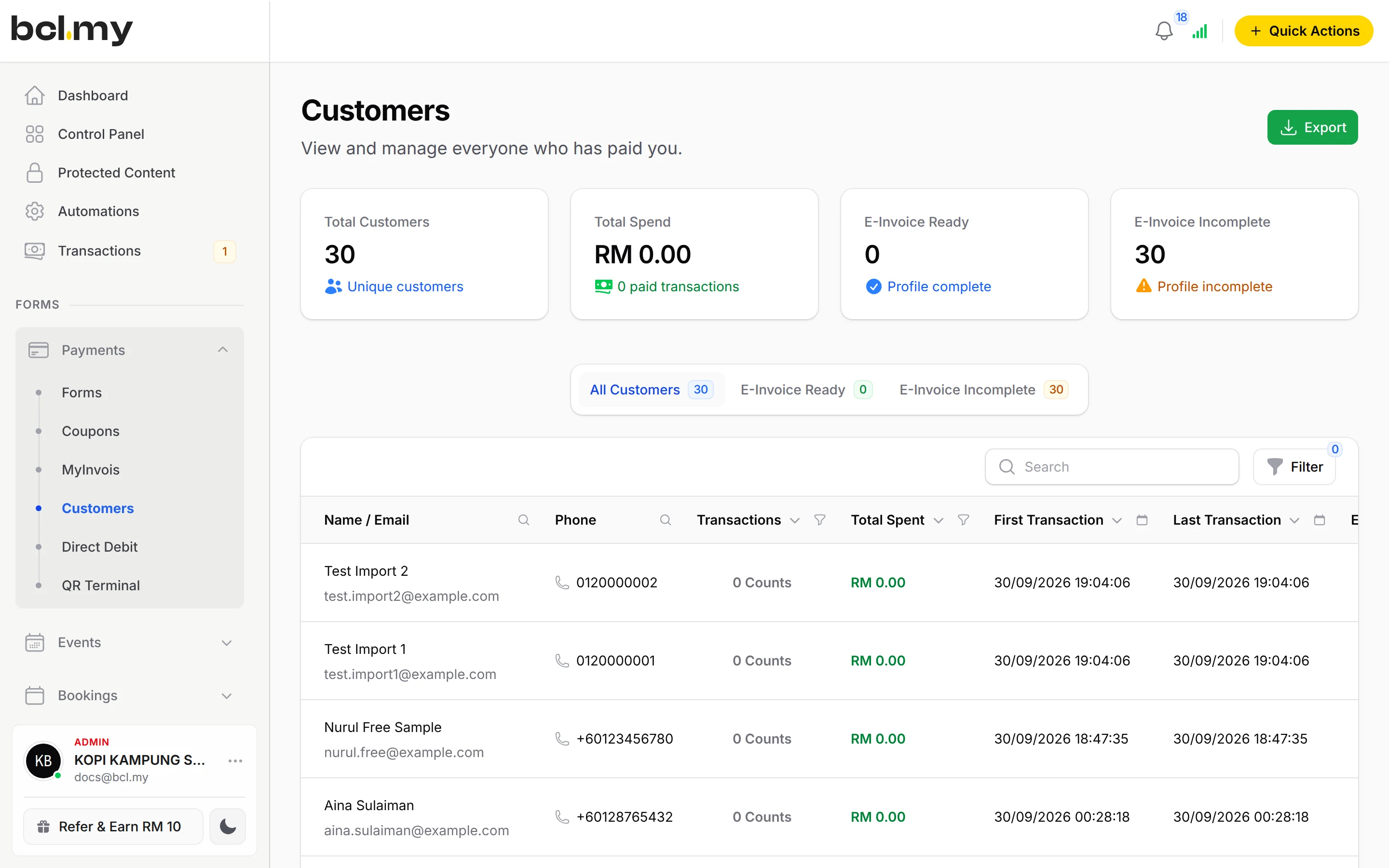
Every mandate in one list
See applications, active mandates and deductions, with Application Histories for each customer.
Failed deductions
For a monthly mandate the bank retries once between the 25th and 28th of the same month.
Webhook
Send each new mandate and deduction to your own system.
How your customers pay
Direct Debit deducts from the customer's bank account. It cannot be combined with other payment options, so keep a separate form for one-off payments. It works only when your Bayarcash portal offers Direct Debit. Real payments need an approved Bayarcash account.
Good to know
- Frequency is Weekly or Monthly only.
- Direct Debit cannot be combined with other payment options, and affiliates cannot be turned on for the form.
- Deductions do not start on the day of sign-up. The bank first verifies the application, which usually takes 3 to 5 days.
- The first monthly deduction is in the month after sign-up. The first weekly deduction is on a Friday, two weeks after the week of sign-up.
- A rejected application shows Rejected and no money is taken.
See it live
Opens a live example page. Please do not pay.
Questions owners ask
Why has nothing been deducted yet?
The bank first verifies the application, which usually takes 3 to 5 days. The first monthly deduction runs early in the month after sign-up. The first weekly deduction runs on a Friday two weeks later.
Can I add FPX or DuitNow QR to a Direct Debit form?
No. Direct Debit cannot be combined with other payment options. Make a separate form for one-off payments.
What if a monthly deduction fails?
The bank retries once, between the 25th and 28th of the same month. Both the failed and the successful deductions show on the mandate.
What is BCL, and how does it work with Bayarcash?
BCL is where you build your forms, pages and payment links and see every sale. Bayarcash is the payment gateway behind it: it collects the payment and pays it out to your bank, minus its fee. To take real payments you need an approved Bayarcash merchant account.
Ready when you are.
Build your first form in Test Mode today. Connect Bayarcash when you want real payments.
Create your first form