
Book tables online. Get paid at the counter.
Guests reserve a table for their party size and pay a booking fee online. At the counter, key in the bill on your phone and they scan a DuitNow QR. No card terminal needed.

Trusted by these companies














Sound familiar?
Reservations by phone & chat
Calls during the lunch rush, WhatsApp at midnight, a notebook by the till. Tables get double booked or forgotten.
Meja ada tak malam ni? I answer that fifty times a day.
Groups who never turn up
A party of ten books the VIP room on a Friday night and does not come. You turned other families away for them.
A printed QR that shows no amount
Customers pay to a sticker QR, type the amount themselves and show you a screen. You cannot tell if the amount is right or if it went through.
I just have to trust the screenshot.
What you can do with one link
Take bookings & appointments
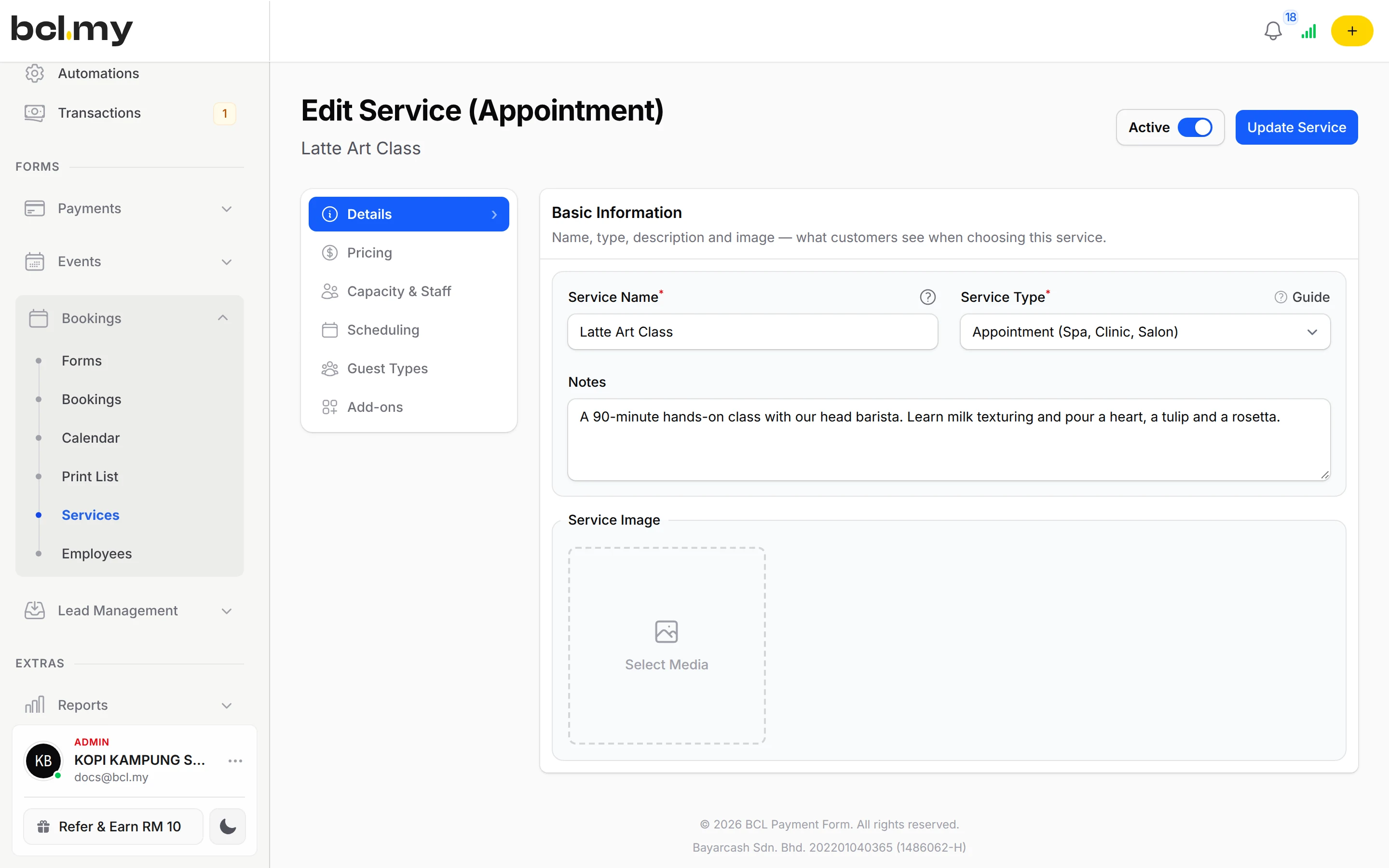
A Reservation booking form: guests pick a date, time and party size, then a table that fits. Each table type has its own Min Guests and Max Guests.
Learn more CoreTake payments at your counter
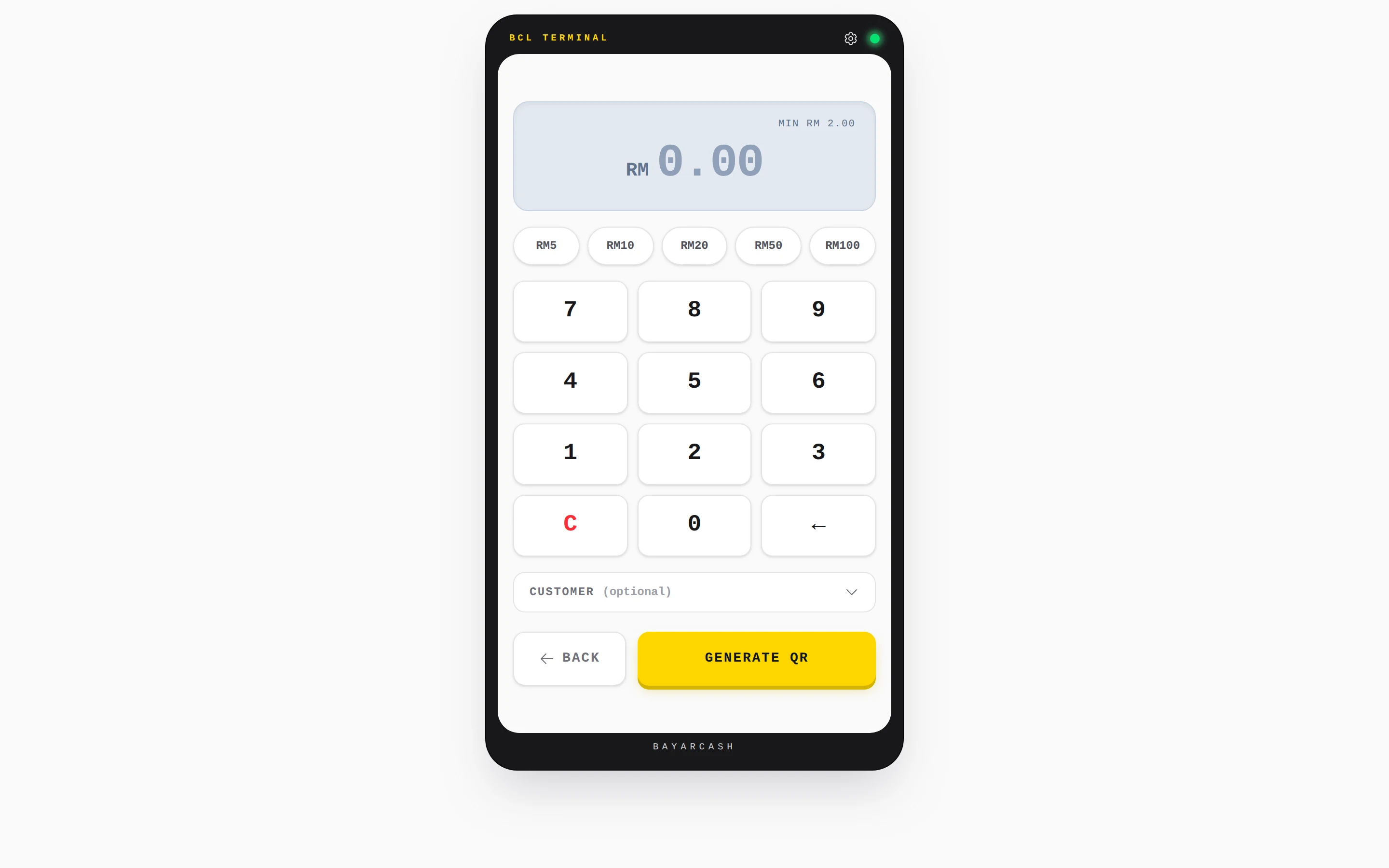
QR Terminal on a phone or tablet: key in the bill, show the DuitNow QR, and hear a chime when the payment is received.
Learn moreTake orders & get paid online
Sell coffee passes, vouchers or festive set menus on a payment form, with stock limits and an opening date.
Learn moreGet paid on WhatsApp
For a catering order or private event, send the customer a Payment Link for the agreed amount.
Learn moreSell tickets for your event
Run a buka puasa buffet night or a live music evening with tickets, with the Event Management add-on.
Learn moreSet up in 5 steps
See it live
Restoran Asam Pedas Melati, table reservations
- Built from the Restaurant Reservation template
- Regular table for 2 to 4 guests
- Private VIP room for 6 to 12 guests
- Lunch and dinner times on one form
Open the example: Restoran Asam Pedas Melati, table reservations
Opens a live example page. Please do not pay.
How your customers pay
At the counter, QR Terminal shows a DuitNow QR that guests scan with their banking or e-wallet app; you choose the QR channels your Bayarcash portal offers. It always takes real payments, even in Test Mode, so test with a small amount. Online reservations take FPX and DuitNow QR, and cards or e-wallets once Bayarcash switches them on.
Good to know
- No deposits or part-payment. A reservation can carry a booking fee, which the guest pays in full when they book.
- QR Terminal takes an amount you key in. It is not a menu or table-ordering system.
- QR Terminal has a small minimum amount, and each QR code is valid for about a minute before you regenerate it.
- No refund button. Return the money yourself, then cancel the booking or order in BCL.
After they pay
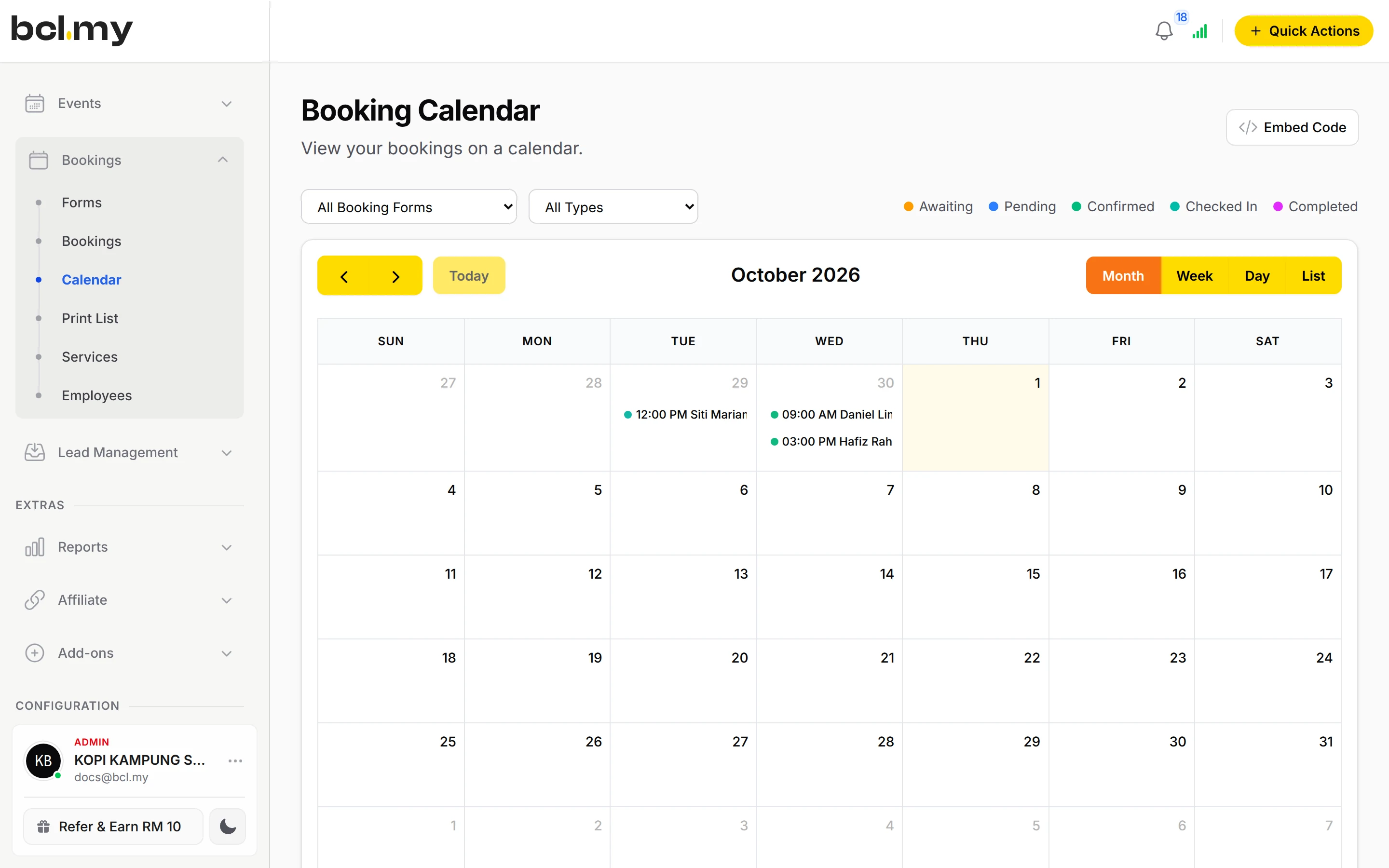
Every reservation is on the Calendar with the party size. Print the day's list for the front desk and check guests in by QR when they arrive.
QR TerminalEach counter payment shows Payment Received with the order number and is recorded in Transactions. No more checking screenshots.
TeamEach cashier has their own login and sees only their own sales.
TransactionsTransactions and the Customers page show what came in and who your regulars are.
Questions owners ask
Can I set a minimum number of guests for a table?
Yes. Edit the table's service and set Min Guests and Max Guests on the Capacity tab. A party outside that range sees the table as not available.
Why can't a guest choose more than 10 people?
The quick buttons stop at 10. For a bigger party the guest uses the + button, which goes up to the highest Max Guests on your form. Raise Max Guests on your large tables if it still stops.
Do I need a card machine for QR Terminal?
No. QR Terminal runs on your phone, tablet or laptop. You key in the amount, BCL shows a QR code and the guest scans it to pay.
The QR expired but the customer says they paid. What now?
Tap Customer already paid? Check status on the expired screen. BCL checks the payment again before you make a new code.
What is BCL, and how does it work with Bayarcash?
BCL is where you build your forms, pages and payment links and see every sale. Bayarcash is the payment gateway behind it: it collects the payment and pays it out to your bank, minus its fee. To take real payments you need an approved Bayarcash merchant account.
Which payment methods can my customers use?
FPX online banking and DuitNow QR come as standard. Cards (Visa and Mastercard), e-wallets (Touch 'n Go eWallet, Boost, GrabPay), Buy Now Pay Later (SPayLater, Grab PayLater, Boost PayFlex) and cross-border QR (Singapore, Indonesia, Thailand and China) appear once Bayarcash switches them on for your account. Prices are in RM.
Owners like you also run
Ready when you are.
Build your first form in Test Mode today. Connect Bayarcash when you want real payments.
Create your first form