
Discounts you control.
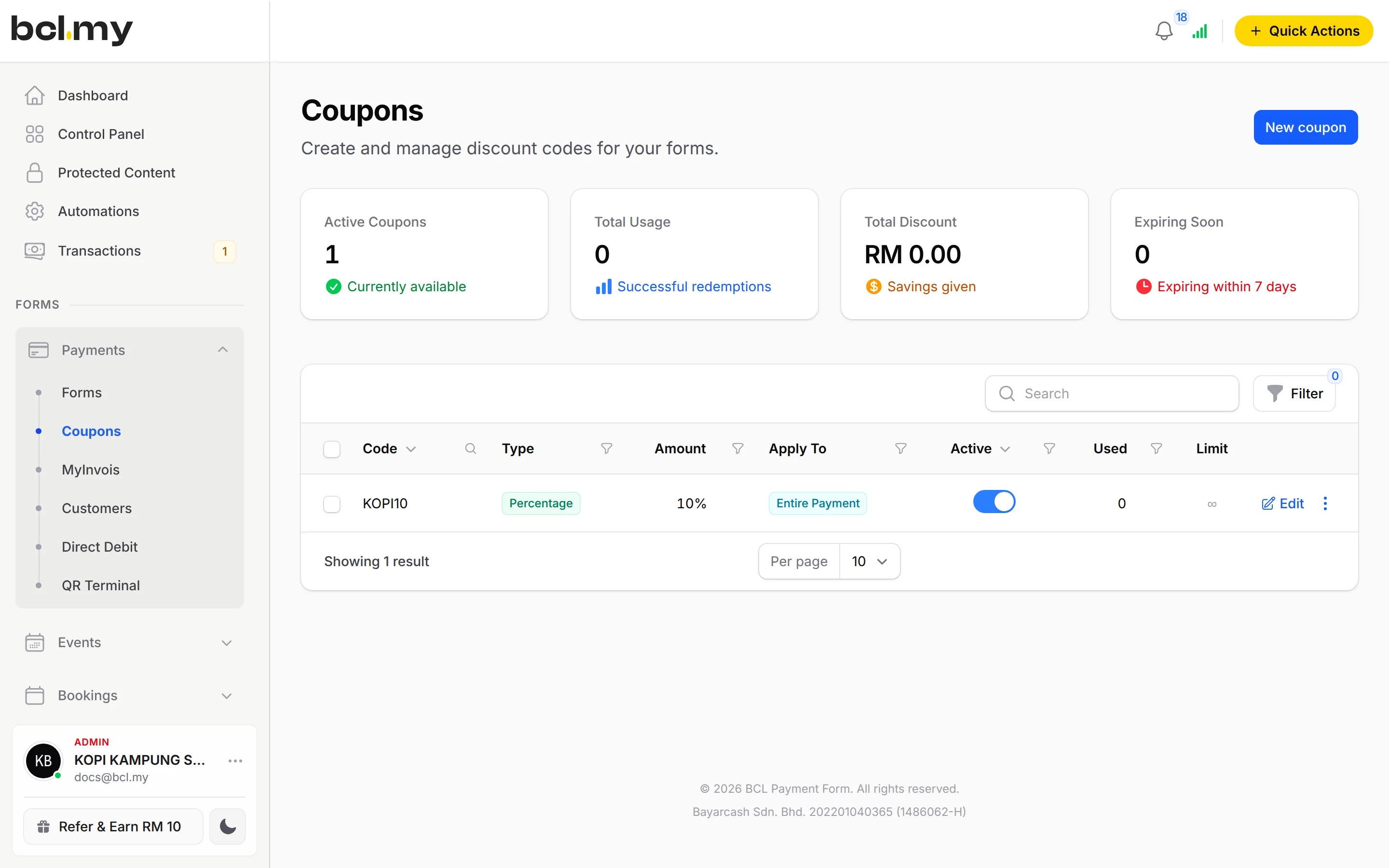
Make a code for a promo, an ad or a partner. Limit it to certain items, a minimum spend, a number of uses or a date range, then see who used it.

Trusted by these companies














What you get
Run a promo without repricing
Keep your prices and give a code instead: RAYA10 for a percentage off, or a fixed amount off the order.
No leaks after the promo
Set a Validity Period and a Maximum Usage Limit, so an old code cannot be shared around next month.
See which code brought the sale
One code per campaign or partner. The Coupons page shows Used and Limit for each, and Usage History lists the orders behind it.
What you can do
Percentage or fixed amount
Choose Discount type: Percentage or Fixed Amount. Apply to Form Total, or Apply to Specific Items.
Limit by items
Turn on Enable Purchase Conditions and pick Product Items, Variation Options or Event Tickets under Applicable Items.
Limit by spend
Set a Minimum Purchase Amount or a Maximum Purchase Amount.
Limit by uses & dates
Cap total uses with Maximum Usage Limit and set Valid From and Valid Until.
Choose which forms accept it
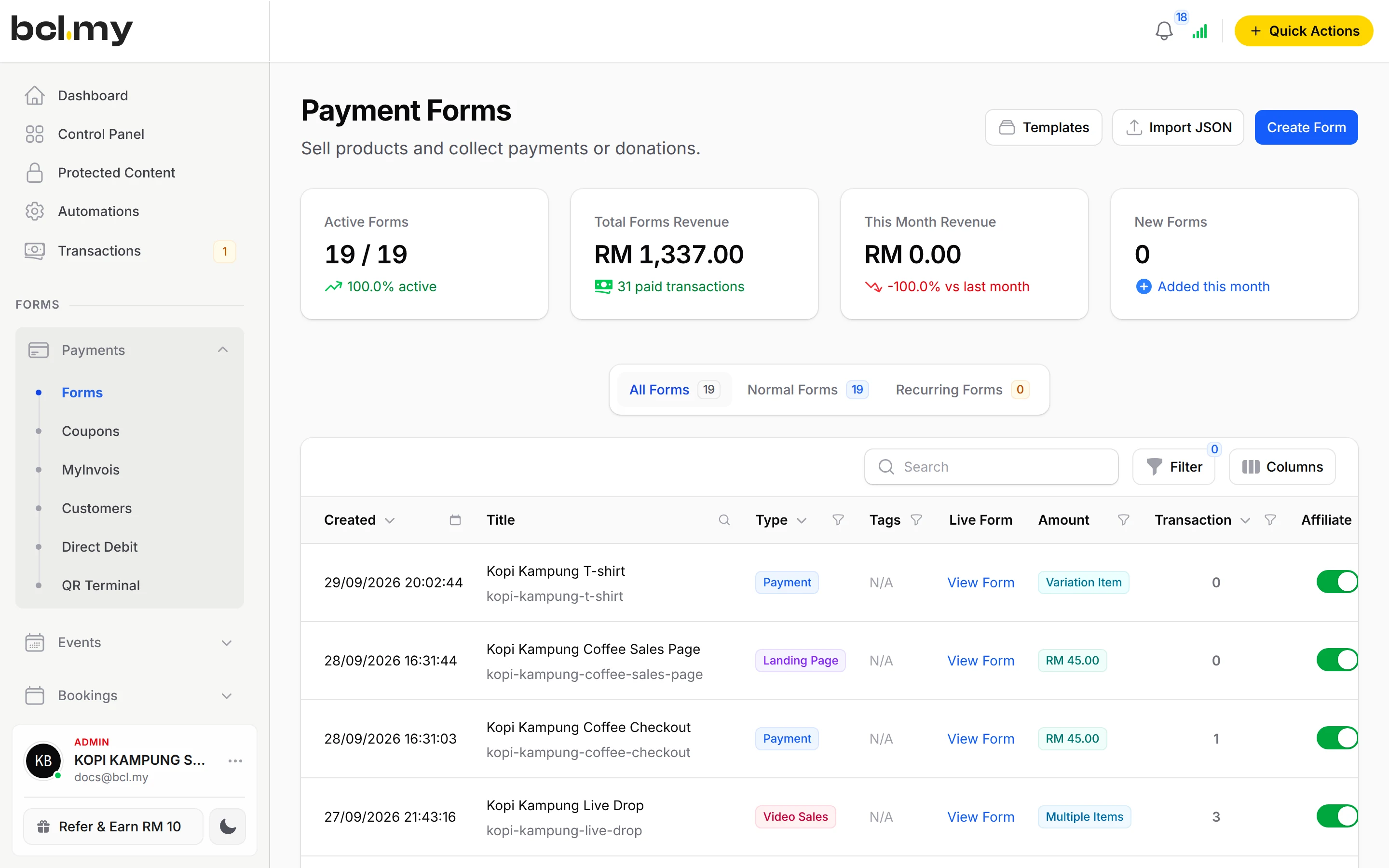
Turn on Enable Coupons on a form and pick Allowed Coupons, or accept all your active codes. Works on payment, event and booking forms.
Ask your AI to make one
A connected AI agent can create a coupon or switch one off through the BCL MCP server.
Good to know
- Coupons are off on every form until you turn on Enable Coupons in the form's Form Configuration.
- Booking forms only take coupons set to Apply to Form Total.
- A use is counted when the order is placed; it is given back if the payment fails or is cancelled.
- Coupons need no add-on.
Questions owners ask
I created a coupon but customers cannot see where to enter it. Why?
Coupons are off on every form until you turn them on. Open the form, go to Form Configuration > Coupon Settings, turn on Enable Coupons and click Update Form.
Can I limit a coupon to one product, or to the first 50 buyers?
Yes. On the Conditions tab, turn on Enable Purchase Conditions and pick the items under Applicable Items. On the Usage Limits tab, set Maximum Usage Limit to 50.
Do coupons work on event and booking forms?
Yes. Event and booking forms have the same Coupon Settings. Booking forms only accept coupons set to Apply to Form Total.
Does a coupon change what my affiliate earns?
With per-item commission, the discount is shared across the items, and each item's commission is worked out on its price after its share of the discount, following your Commission Base Amount setting.
Do I need an add-on?
Not to start. Payment forms, payment links, coupons and transactions need no add-on. Add-ons unlock Event Management, Lead Forms, OTP-Protected Content, COD & Manual Transfer, LHDN E-Invoice and Courier Integration. Each is monthly or yearly, renewals are invoiced (never auto-charged), and you can cancel yourself.
Can I start before my Bayarcash account is approved?
Yes. New accounts start in Test Mode, so you can build and try your forms first. Test payments go to the Bayarcash sandbox and nothing is charged. Your forms keep working after you connect Bayarcash.
Ready when you are.
Build your first form in Test Mode today. Connect Bayarcash when you want real payments.
Create your first form