
One link. Only paying buyers get in.
Link a file, video, text or private group link to what you sell. After payment, each buyer gets their own access link and confirms a one-time code before it opens.

Trusted by these companies














What you get
No more sending files by hand
Access is created the moment the payment succeeds. The receipt page shows Your Content is Ready! and BCL emails the buyer their link.
A forwarded link is useless
The 6-digit code goes only to the buyer's own email, phone or WhatsApp. Set Maximum Devices to stop one purchase being shared across screens.
Sell a live match or class
Stream on YouTube as unlisted, and BCL puts it on a pay-per-view page with themes, Watch on TV and ad breaks.
What you can do
Four content types
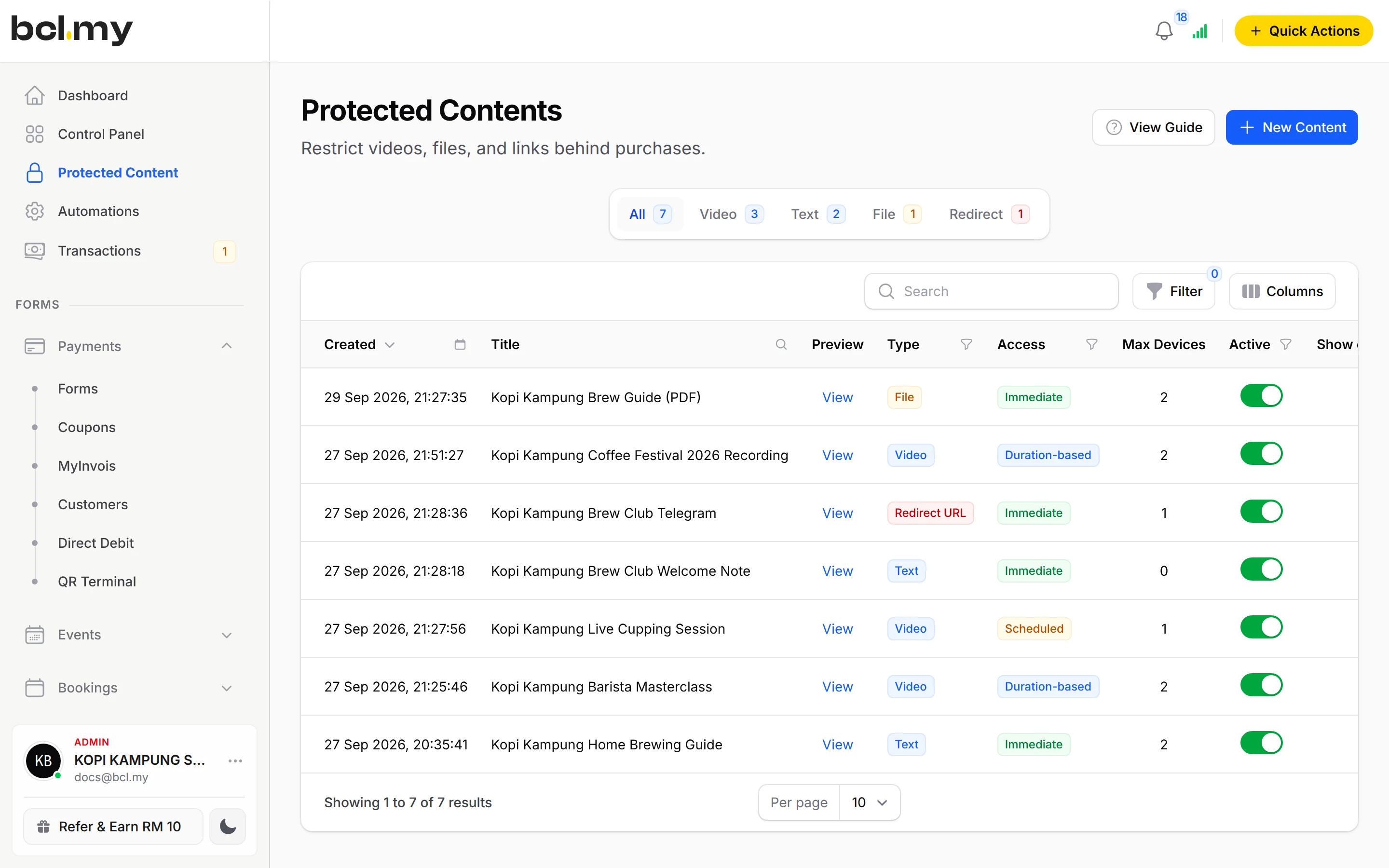
Video (YouTube, Vimeo, Facebook or your own embed), Text, File (up to 10 files, 5MB each) and Redirect URL for a private Telegram or WhatsApp group.
Link it to items & tickets
A payment form item or an event ticket grants access when paid. Grant Buyer Access covers people who bought before you linked it.
Set the access window
Open straight away, only between two dates, or for a number of days after purchase. Limit Maximum Downloads on files.
See & manage buyers
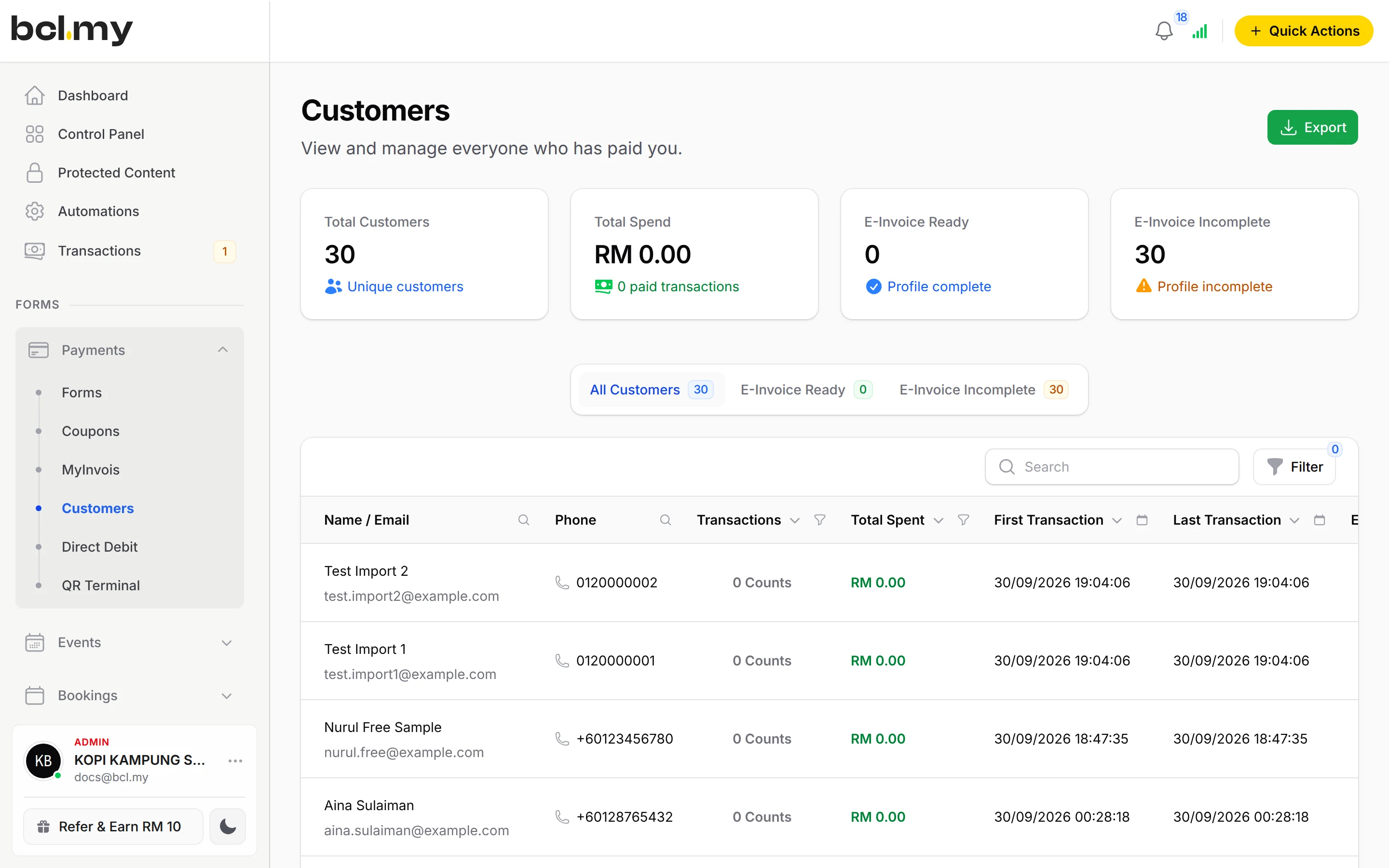
Customer Access lists every buyer with their dates, views and devices. Resend or revoke access, or share the Access Finder link.
Pay-per-view live streams
YouTube (Stream Player) with Default, Football, Broadcast or Studio themes, Watch on TV and a live ad break video.
Deliver by WhatsApp or API
Access links appear in automation variables and the payment webhook. AI tools can read buyers and change access rules.
Used by
Jobs it helps with
Good to know
- Needs the OTP-Protected Content add-on.
- Needs the OTP-Protected Content add-on.
- The one-time code is always required; buyers cannot turn it off.
- Files: up to 10 per content, 5MB each. For bigger content, use a Video or Redirect URL type.
- A Download Link on an item works without the add-on, but anyone who gets the link can open it.
- Pay-per-view streams play from an unlisted YouTube live stream or video.
Questions owners ask
How do I sell a video or file that customers must pay for first?
Create the content under Protected Content, link it to a payment form item or an event ticket, and BCL gives every paid buyer their own access link that opens only after a one-time code.
How do I stop one pass being shared across many screens?
Set Maximum Devices to 1. If the buyer opens the content on another device, they must sign out the first one before it plays.
Can I sell tickets to watch a football match or event live?
Yes. Stream it on YouTube as an unlisted live stream, create protected content with Video Type YouTube (Stream Player), and link it to the pass or ticket you sell.
Can I use a Google Drive link instead?
Yes, as a Download Link on the item. It needs no add-on, but anyone who gets the link can open it. Protected Content asks for a one-time code first.
Do I need an add-on?
Not to start. Payment forms, payment links, coupons and transactions need no add-on. Add-ons unlock Event Management, Lead Forms, OTP-Protected Content, COD & Manual Transfer, LHDN E-Invoice and Courier Integration. Each is monthly or yearly, renewals are invoiced (never auto-charged), and you can cancel yourself.
Can I start before my Bayarcash account is approved?
Yes. New accounts start in Test Mode, so you can build and try your forms first. Test payments go to the Bayarcash sandbox and nothing is charged. Your forms keep working after you connect Bayarcash.
Ready when you are.
Build your first form in Test Mode today. Connect Bayarcash when you want real payments.
Create your first form