
Stop typing orders into a notebook.
Put your cookies, cakes or kuih in one order form. Customers choose, pay and get a receipt. You see every paid order in one list, and sold-out items close by themselves.

Trusted by these companies














Sound familiar?
"Dah bayar ke belum?"
Orders come in on WhatsApp, payment comes by bank transfer, and you match slips to names late at night. One missed screenshot means one wrong jar.
Every Raya I scroll through hundreds of chats just to see who has paid.
Selling more than you baked
Your Semperit sells out, but people keep ordering it because the price list is an old image. Then you have to message each one to say sorry.
I only had three jars left and five people paid for it.
The order list lives in your head
Who is picking up on Saturday, who wants two jars, who used the promo. It is all in a notebook and your chat history.
What you can do with one link
Take orders & get paid online
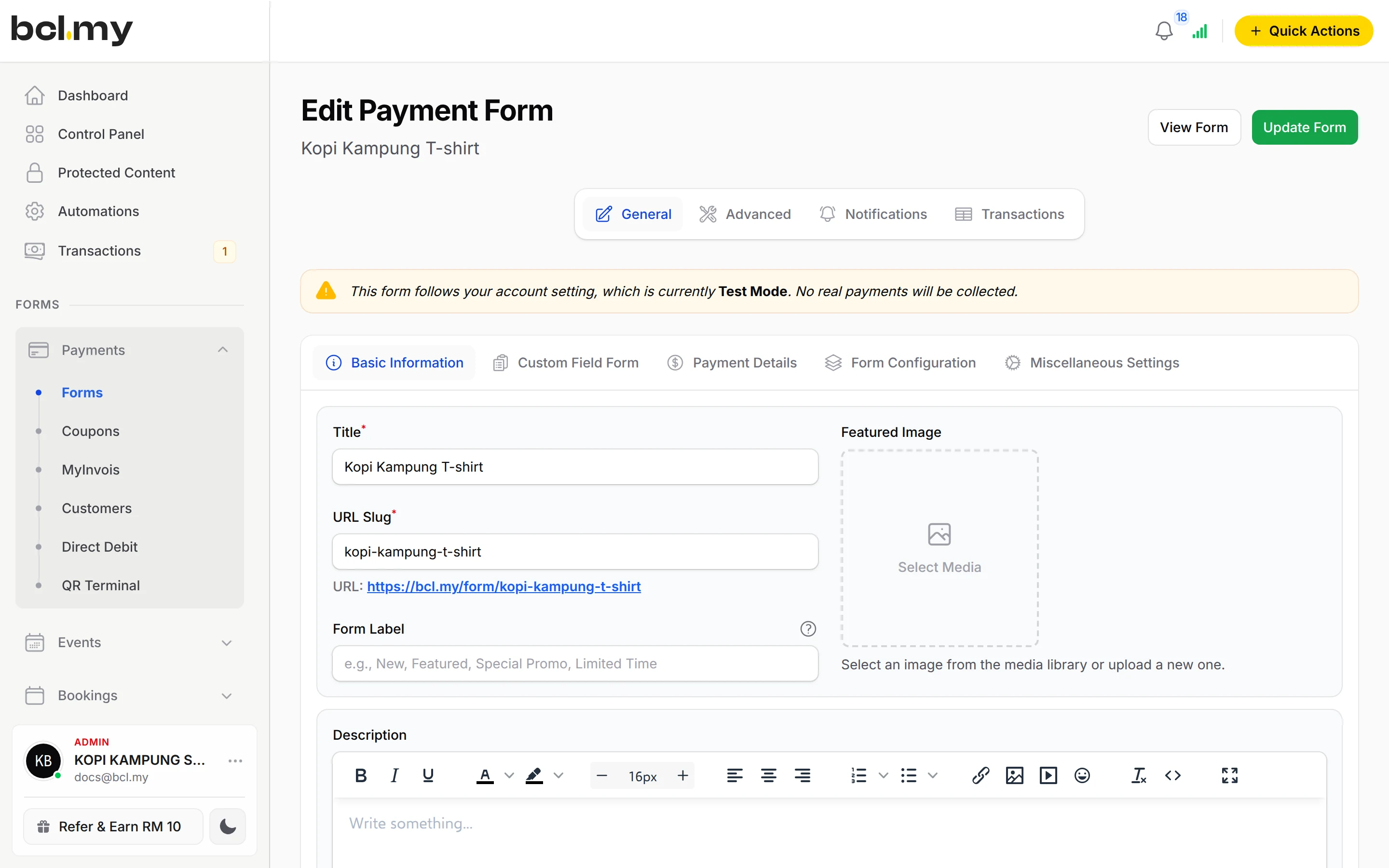
One payment form with Multiple Items: each cookie or cake is an item with its own price, photo and stock. Customers add what they want and pay once.
Learn more CoreGet paid on WhatsApp
Share the form link in your WhatsApp status and groups. For a custom cake or a one-off order, send the customer a Payment Link for that exact amount.
Learn moreTake payments at your counter
Selling at a bazaar or at pickup? QR Terminal turns your phone into a counter: key in the amount and the customer scans the DuitNow QR.
Learn moreRun an affiliate or agent team
Let friends and resellers share their own link and earn commission on each order. You approve and pay their commission yourself.
Learn moreSet up in 5 steps
See it live
Dapur Kak Mawar, Raya cookies
- 4 cookies, each with its own stock
- Stock notice shows when a jar is almost sold out
- Coupon box on the form (try EXAMPLE10)
- Pickup days written on the form
Open the example: Dapur Kak Mawar, Raya cookies
Opens a live example page. Please do not pay.
How your customers pay
FPX online banking and DuitNow QR work from day one. Touch 'n Go eWallet, cards and PayLater appear once Bayarcash switches them on for you. For cash on delivery or a bank transfer you check yourself, add the COD & Manual Transfer add-on and approve each order when the money is in.
Good to know
- No deposit or part-payment setting: each order is paid in full in one payment.
- Up to 50 items per form. Split a bigger menu into several forms.
- No refund button. Return the money yourself, then cancel the order in BCL.
- Cash on delivery and manual bank transfer need the COD & Manual Transfer add-on.
After they pay
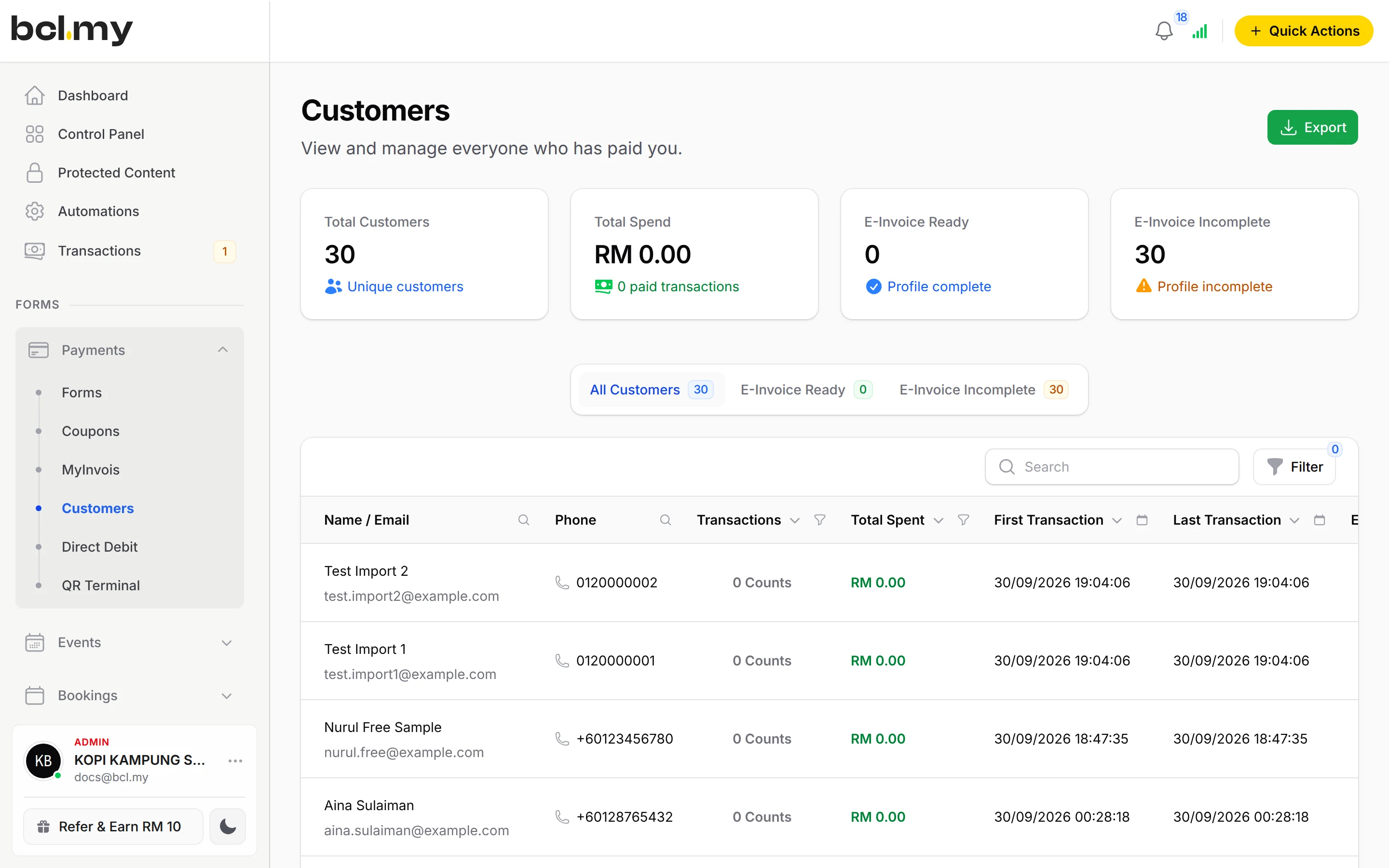
Every paid order is in Transactions with the items, quantities and the buyer's phone. Export the list to pack and plan pickups.
AutomationsSend each customer a thank-you email, or a WhatsApp with their receipt link through Wabot or Wasapbot, as soon as they pay.
Shipping & RatesPosting orders? Set shipping rates once, including a different rate for Sabah and Sarawak, and the form adds them at checkout.
Customer PortalCustomers find their own receipts with a one-time code, instead of asking you "boleh hantar resit?".
Questions owners ask
What happens when a cookie sells out?
When an item with Limited stock reaches 0, buyers see Out of Stock and cannot order it. BCL takes the stock when the buyer clicks to pay, so two people cannot pay for the last jar. If a payment fails, the stock goes back.
Can I give a discount for Raya or for regular customers?
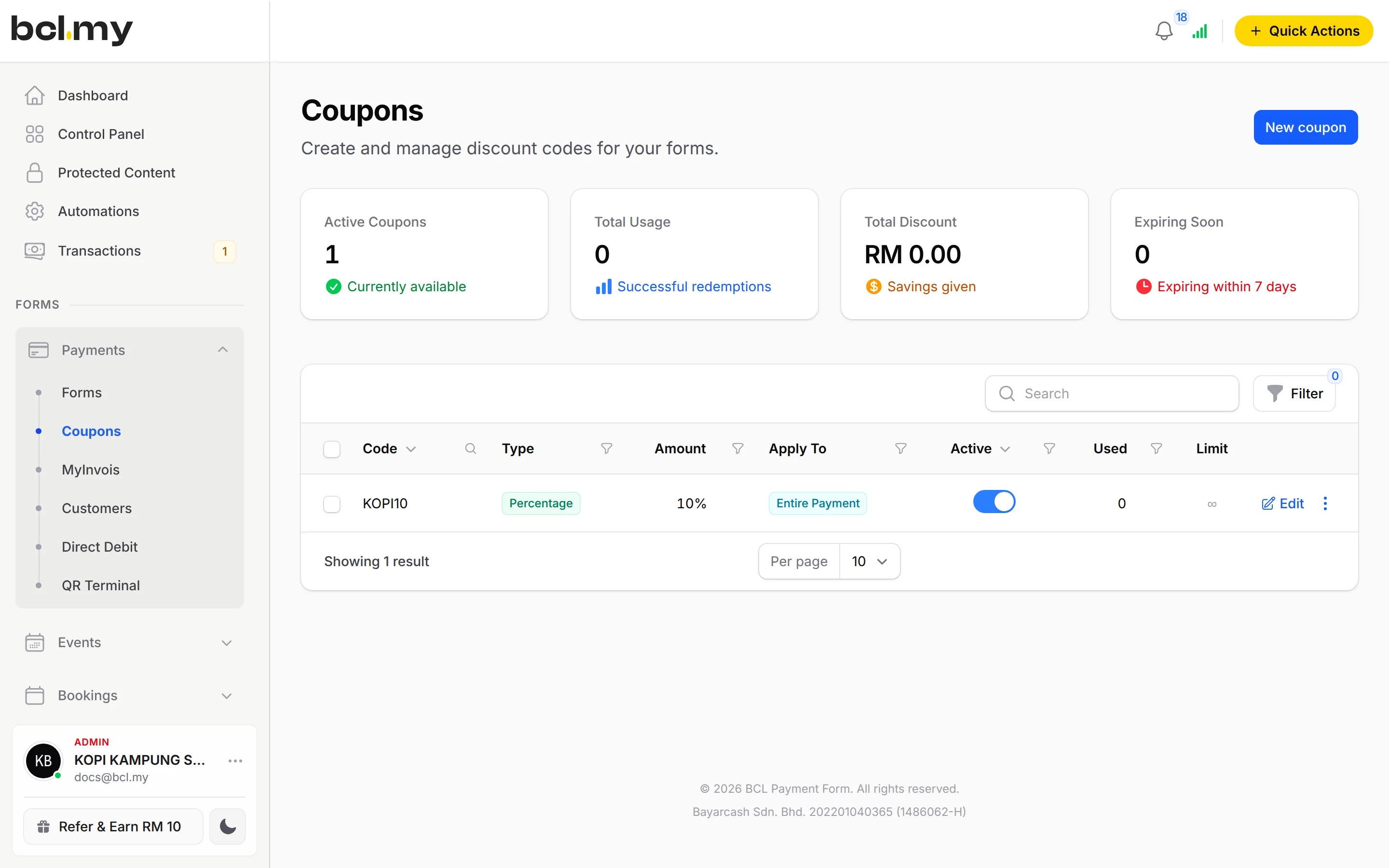
Yes. Create a coupon code, then turn on Enable Coupons on the form. You can limit a code to some items, a minimum spend, a number of uses or a date range.
Can customers pay cash on pickup?
Yes, with the COD & Manual Transfer add-on. The order stays Pending Payment until you get the cash and approve it in Transactions. Without the add-on, customers pay online on the form.
Can I open orders at a set time, like the start of the Raya season?
Yes. Set Available From on the form's Form Configuration tab. Until then buyers see an Opening Soon countdown, and the form opens by itself. Available Until closes it on a date.
Can I start before my Bayarcash account is approved?
Yes. New accounts start in Test Mode, so you can build and try your forms first. Test payments go to the Bayarcash sandbox and nothing is charged. Your forms keep working after you connect Bayarcash.
Which payment methods can my customers use?
FPX online banking and DuitNow QR come as standard. Cards (Visa and Mastercard), e-wallets (Touch 'n Go eWallet, Boost, GrabPay), Buy Now Pay Later (SPayLater, Grab PayLater, Boost PayFlex) and cross-border QR (Singapore, Indonesia, Thailand and China) appear once Bayarcash switches them on for your account. Prices are in RM.
Owners like you also run
Ready when you are.
Build your first form in Test Mode today. Connect Bayarcash when you want real payments.
Create your first form