
Take cash on delivery and bank transfers too.
Some customers still want to pay on delivery or transfer to your bank. Offer both on your form, and approve each order once the money is in.

Trusted by these companies














What you get
For customers who will not pay online
Cash on Delivery (COD) and Manual Bank Transfer sit next to FPX and DuitNow in Payment Option, so customers who prefer cash or a transfer can still order.
Slips uploaded, not messaged
A customer who transfers picks the bank account they paid into and uploads the receipt before they can submit. You see it on the order in Transactions.
Your records stay clean
Every COD order is a Pending Payment until you approve it. Once you mark it Successful, the dashboard counts it on the day the order was placed.
What you can do
Up to 3 bank accounts
Add them under Platform Setup > Payment > Bank Accounts. Customers pick which one they paid into.
Turn it on per form
Add Cash on Delivery (COD), Manual Bank Transfer or both to a form's Payment Option.
A COD charge
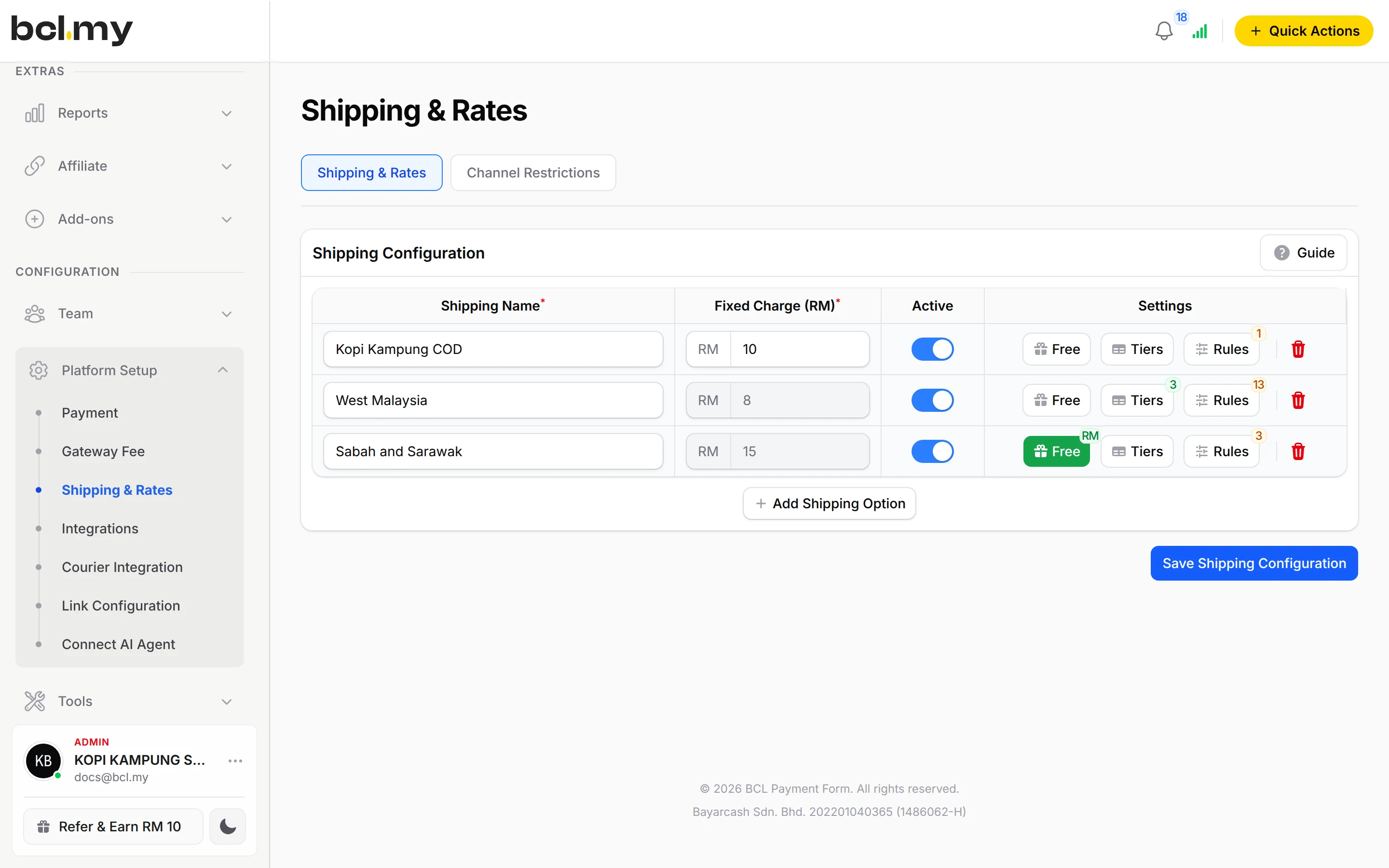
Add a shipping option with a Fixed Charge (RM) and limit it to Cash on Delivery (COD) under Rules. It shows only when the customer picks COD.
Hide COD by state
Use Channel Restrictions to hide COD in Sabah and Sarawak, for example.
Approve one or many
Update Status > Approve on one order, or tick several and use Bulk actions > Mark As Successful. BCL emails the customer a success notice.
Ship COD with your courier
With Courier Integration, EasyParcel shows which services can collect cash on a COD order.
Shipping rules by region
This add-on also unlocks the Rules panel on shipping options, so a rate can be limited to certain states.
Used by
Jobs it helps with
Good to know
- Needs the COD & Manual Transfer add-on.
- Needs the COD & Manual Transfer add-on. Without it, the bank account fields are locked and the two methods do not appear on forms.
- BCL cannot see cash or bank transfers. Each order stays Pending Payment until you approve it.
- A pending COD order is not counted in dashboard totals until you approve it.
- Meta and TikTok get the Purchase for a COD order when it is placed only if Trigger Purchase Event on Pending is on; otherwise when you approve it, and only with the Conversions API or Events API token added.
- No refund button: refund outside BCL, then cancel the order.
See it live
Opens a live example page. Please do not pay.
Questions owners ask
Why is a COD order still pending after the customer paid?
BCL cannot see cash or bank transfers. Find the order in Transactions, open the menu on its row, click Update Status and click Approve under Mark as Successful.
Can I charge extra only for COD orders?
Yes. Add a shipping option with a Fixed Charge (RM), then click Rules and choose Cash on Delivery (COD) in Payment Channels. The charge appears only when the customer picks COD.
Can I hide COD for Sabah and Sarawak?
Yes. On Shipping & Rates, open Channel Restrictions, add one for Cash on Delivery (COD), set Mode to Hide In and select the states.
Can my courier collect the cash?
With the Courier Integration add-on, EasyParcel shows Create Shipment only on services that offer COD. The others show COD Not Available.
Do I need an add-on?
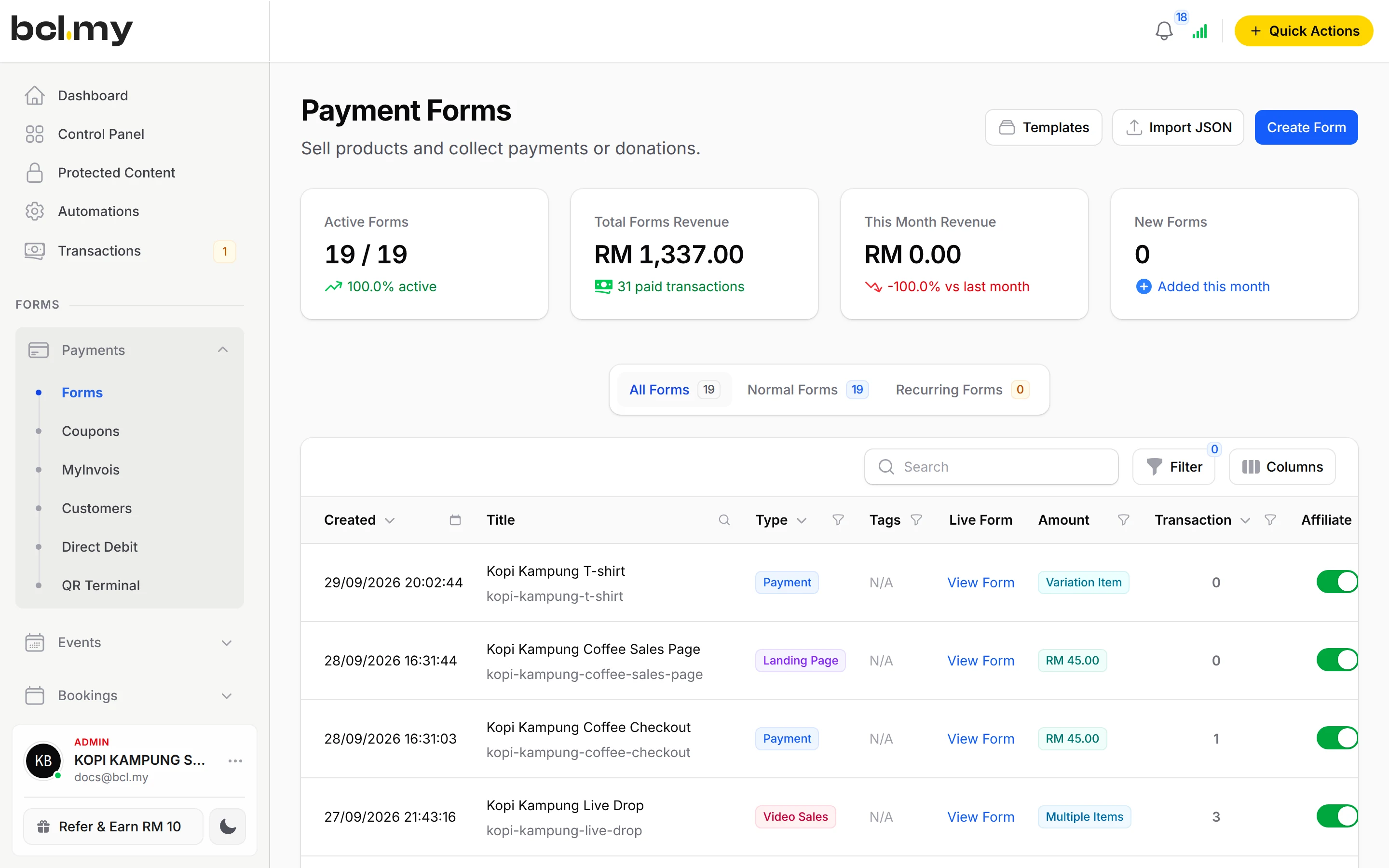
Not to start. Payment forms, payment links, coupons and transactions need no add-on. Add-ons unlock Event Management, Lead Forms, OTP-Protected Content, COD & Manual Transfer, LHDN E-Invoice and Courier Integration. Each is monthly or yearly, renewals are invoiced (never auto-charged), and you can cancel yourself.
How do refunds work?
BCL has no refund button. Return the money to your customer yourself (for example by bank transfer), then cancel the order in BCL so your records match.
Ready when you are.
Build your first form in Test Mode today. Connect Bayarcash when you want real payments.
Create your first form