
Collect every fee on time.
Give parents one link for the monthly fee, or let them sign up once and pay by Direct Debit. Each payment arrives with the student's name, so you stop matching transfers by hand.

Trusted by these companies














Sound familiar?
Chasing fees every month
The 5th comes and goes. You send reminders in the parents' group, then private messages, then again next week.
I teach for four hours and chase yuran for two.
Transfers with no name
A transfer arrives with the parent's name, not the child's, and no class. You scroll back through the chat to work out who it was for.
Siapa punya bayaran ni? Every month, the same puzzle.
No clear list of who has paid
Your record is a spreadsheet you update when you remember. At the end of the month you are not sure who still owes.
What you can do with one link
Collect fees from students & members
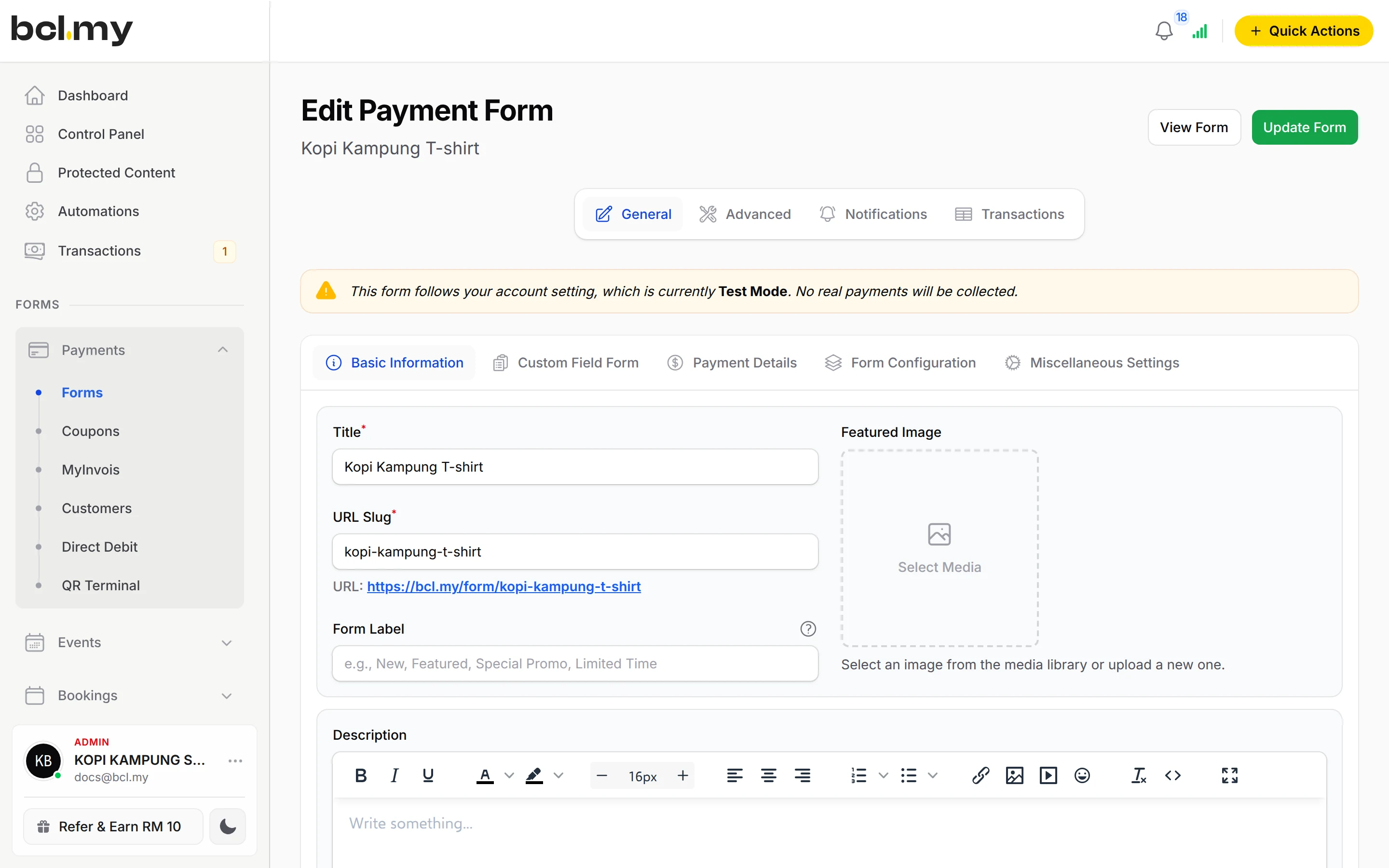
One payment form per class with a Single Amount for the monthly fee. A custom field asks for the student's name, so each payment is labelled.
Learn more CoreCollect monthly payments automatically
A Direct Debit form: parents authorise once through online banking and the fee is deducted every month until they stop.
Learn moreGet paid on WhatsApp
For a one-off amount, such as a late fee or exam book, send the parent a Payment Link in WhatsApp.
Learn moreSell tickets for your event
Holiday camps, seminars and intensive classes can take registrations and fees on an event form, with the Event Management add-on.
Learn moreTake bookings & appointments
Let parents book a trial class or a consultation slot on a booking form.
Learn moreSell e-books, courses & files
Sell revision notes or recorded lessons that only paying students can open, with the OTP-Protected Content add-on.
Learn moreSet up in 4 steps
See it live
Cerdik Tuition Centre, monthly Maths class fee
- One monthly fee as a Single Amount
- Class, schedule and due date on the form
- Parents enter the student's name to match the payment
Open the example: Cerdik Tuition Centre, monthly Maths class fee
Opens a live example page. Please do not pay.
How your customers pay
Parents can pay by FPX online banking or DuitNow QR from the start; cards and e-wallets appear once Bayarcash switches them on. Direct Debit takes the fee from the parent's bank account each month, once your Bayarcash portal offers it. It sits on its own form, because it cannot be combined with other payment options.
Good to know
- No automatic monthly bill for one-off payments. Share the form each month, or use Direct Debit.
- Direct Debit cannot sit on the same form as FPX or DuitNow QR, and affiliates cannot be turned on for it.
- The bank checks each Direct Debit sign-up first, so the first monthly deduction comes the month after the parent joins.
- No recurring card payments.
- No refund button. Return the money yourself, then cancel the order in BCL.
After they pay
Transactions shows who paid, for which student, and when. Filter by form to see one class, and export a form's transactions with the student names for your records.
Direct DebitPayments, then Direct Debit lists every mandate and each deduction, successful or failed, so you know which families are set up.
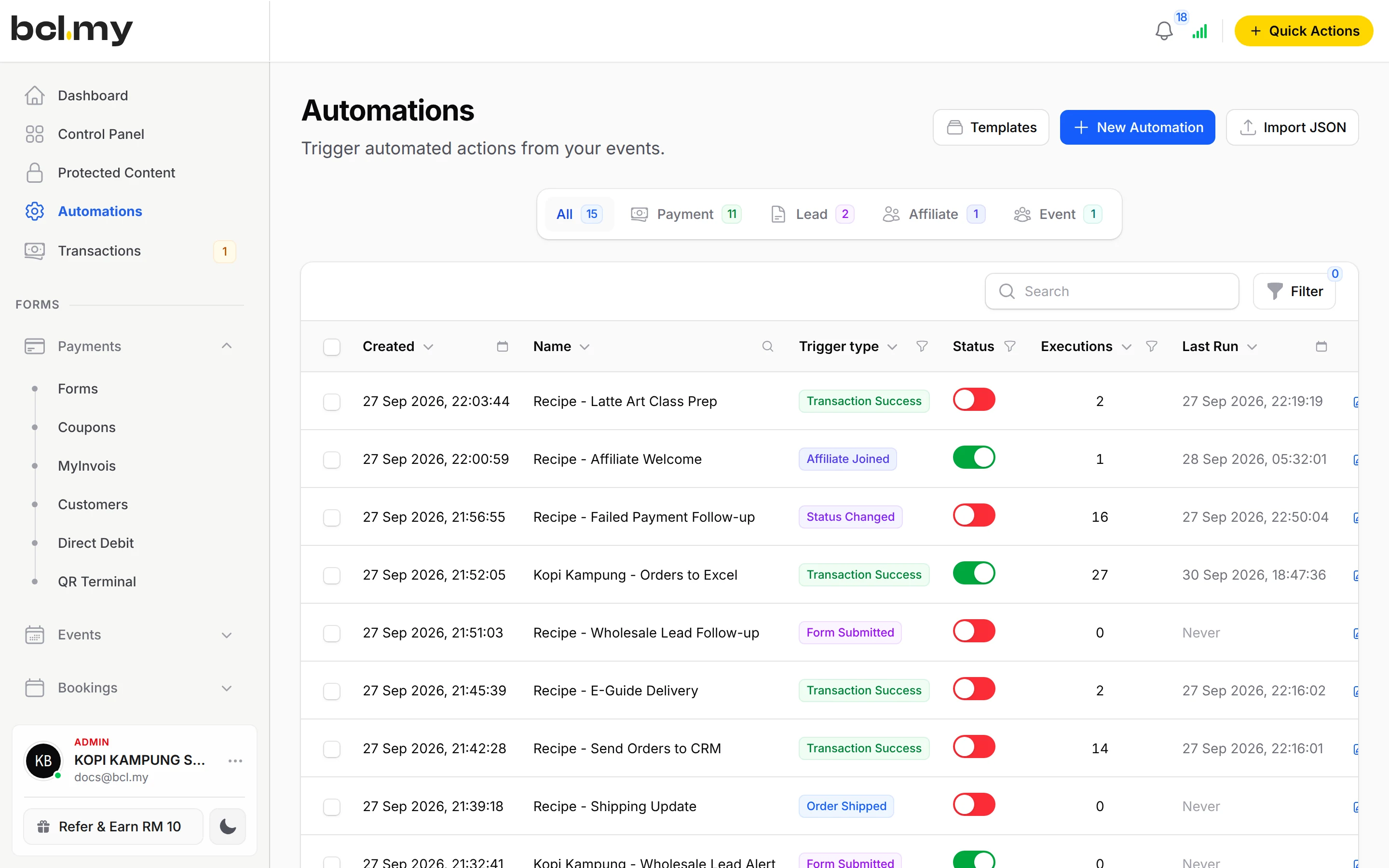
AutomationsEmail or WhatsApp each parent a receipt and thank-you the moment they pay, or send payments to Google Sheets.
Customer PortalParents find old receipts themselves with a one-time code, without asking you.
Questions owners ask
How do I know which student a payment is for?
Add a custom field for the student's name and class. The answer is saved with the payment, and it is included when you export from that form's own transactions page.
Can parents pay the monthly fee automatically?
Yes, with Direct Debit. The parent authorises once through their online banking, then the fee is deducted every month. You see each mandate and deduction under Payments, then Direct Debit.
When is the first Direct Debit deduction?
The bank verifies the sign-up first, usually in 3 to 5 days. Monthly deductions start in the month after enrolment, early in the month. If one fails, the bank retries once later that month.
Can parents choose between Direct Debit and a normal online payment?
Yes, with two forms. Direct Debit cannot be combined with other payment options, so keep one Direct Debit form for families who want automatic deductions and one Single Amount form for FPX and DuitNow QR. Share both links.
What is BCL, and how does it work with Bayarcash?
BCL is where you build your forms, pages and payment links and see every sale. Bayarcash is the payment gateway behind it: it collects the payment and pays it out to your bank, minus its fee. To take real payments you need an approved Bayarcash merchant account.
Does BCL handle LHDN e-invoices?
Yes, with the LHDN E-Invoice add-on. BCL submits your e-invoices to MyInvois through Bayarcash as your intermediary, and lists any that fail so you can fix them.
Owners like you also run
Ready when you are.
Build your first form in Test Mode today. Connect Bayarcash when you want real payments.
Create your first form