
Your buyers find their own receipts.
No password and no message to you. A customer types the email or phone they paid with, gets a code, and sees everything they bought from you.

Trusted by these companies














What you get
Buyers open their own receipts
Orders, Receipt and Invoice PDFs, event tickets and unlocked content are all there for the buyer to open themselves.
Nothing to set up
BCL links to the portal from every receipt email and receipt page. Share your address followed by /customer in your WhatsApp auto-reply too.
Safe by design
A 6-digit code by Email, SMS or WhatsApp, valid for 10 minutes. Buyers can see the devices they are signed in on.
What you can do
Orders & receipts
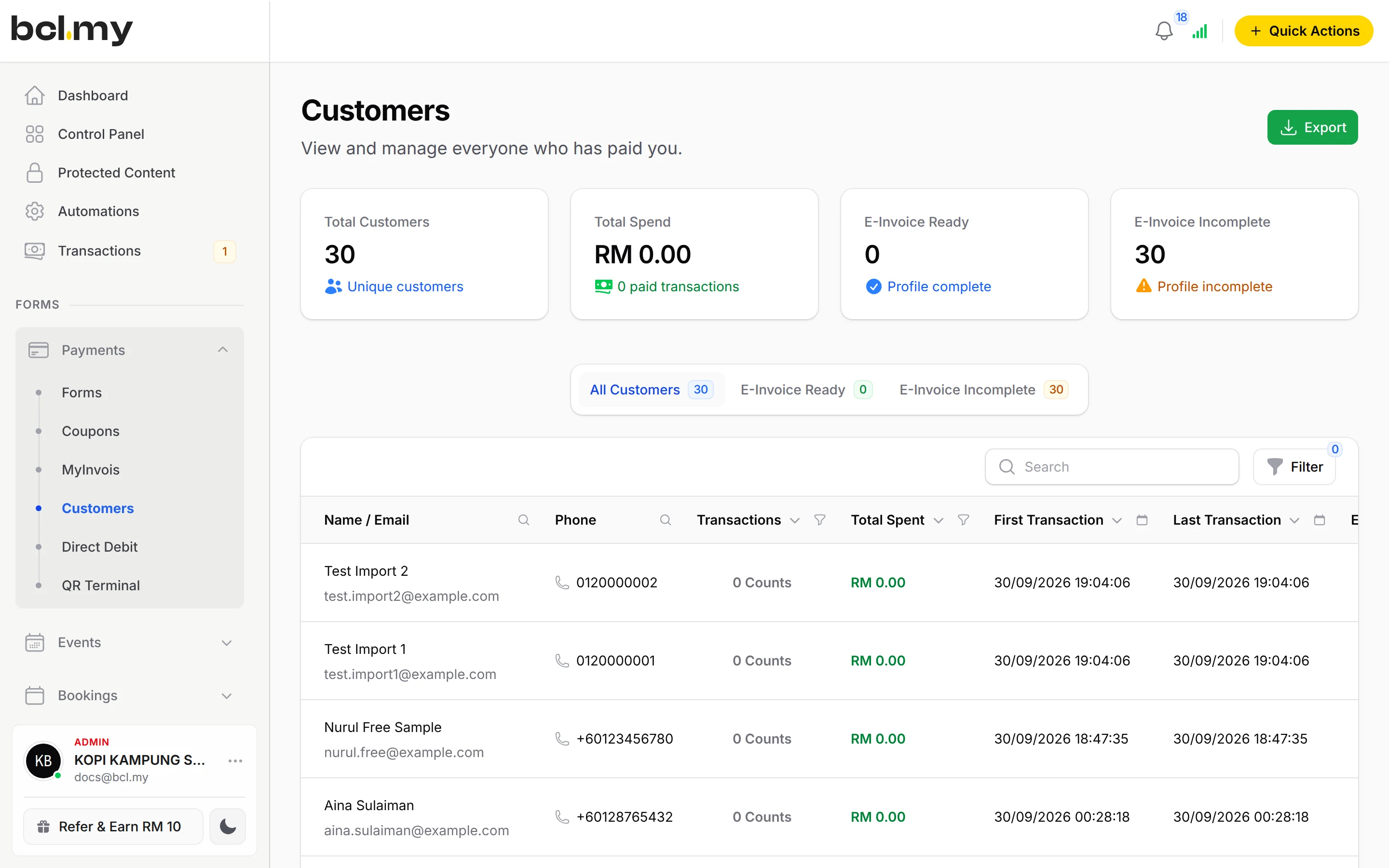
Every payment to you, with the order details and Receipt and Invoice PDFs for paid orders.
Tickets
Event tickets, and whether they have checked in.
Content
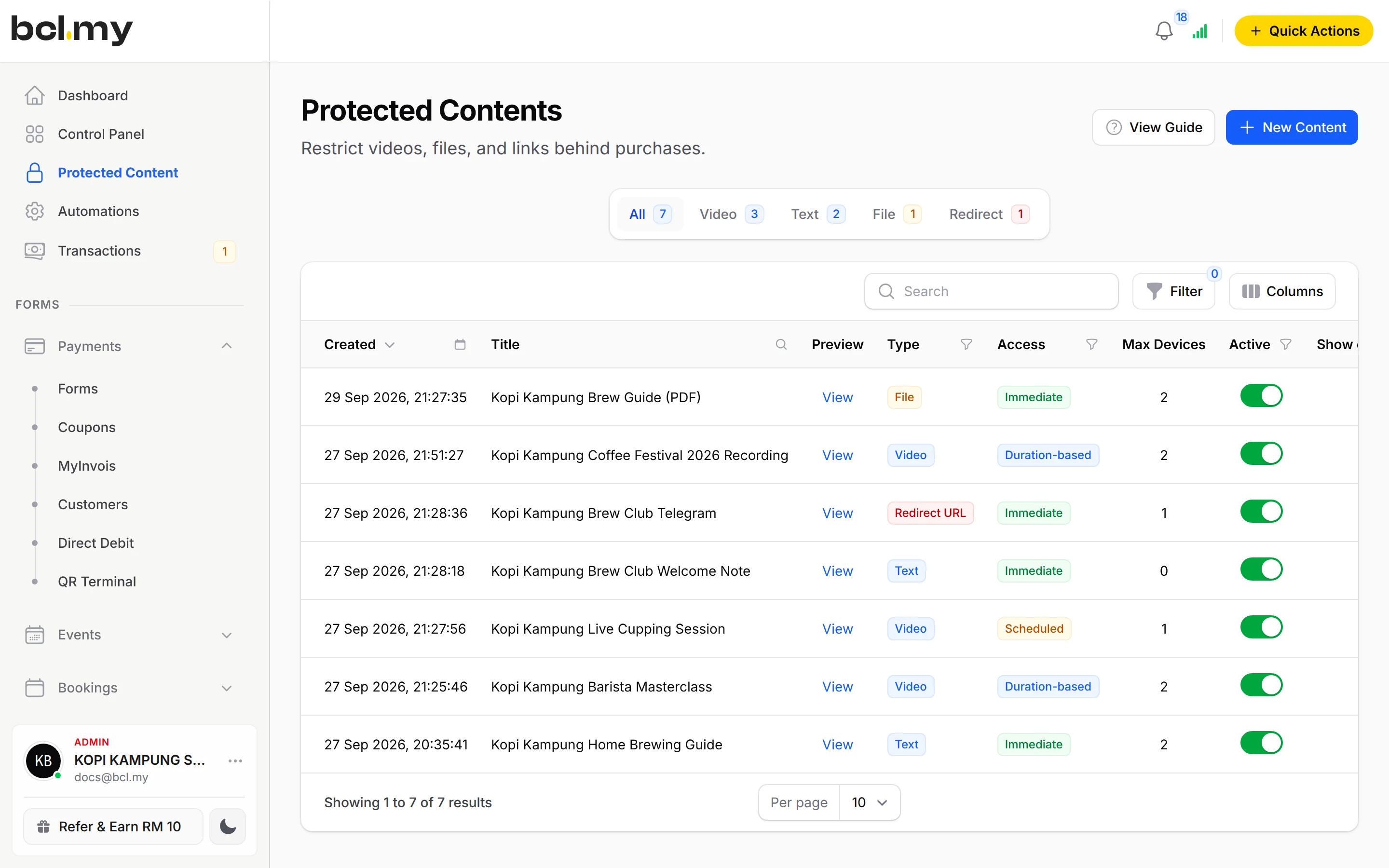
Protected content they unlocked, and download links from their paid orders.
Your shop or all shops
Your address followed by /customer shows only your sales. bcl.my/customer shows a buyer's purchases from every BCL merchant, with a filter.
Profile & e-invoice address
The buyer keeps their name and the address used on e-invoices up to date.
A WhatsApp link to you
Chat with us on WhatsApp on your sign-in page uses the number in your Company Profile.
Used by
Jobs it helps with
Good to know
- The portal shows live payments only. Test Mode orders never appear.
- Buyers sign in with the exact email or phone used at checkout. A typo at checkout sends the code elsewhere.
- SMS codes work for Malaysian (+60) numbers only.
- Buyers contact you, not BCL or Bayarcash, about an order. Your details are on the receipt.
Questions owners ask
My customers keep asking for old receipts and download links. Can they get them themselves?
Yes. Send them to your address followed by /customer. They sign in with the email or phone number they paid with, using a one-time code, and see all their orders from you.
A customer says they cannot sign in. What should I check?
Open their payment in Transactions and check the exact email and phone they typed, and ask them to use that. The code may also be in their spam folder.
Can a buyer get their receipt without signing in?
Yes. The receipt page and the receipt email carry the receipt, and you can download or share it from Transactions. The portal is for finding older ones.
Do I have to turn the Customer Portal on?
No. BCL sets it up for every account. You only need to tell customers where it is.
What is BCL, and how does it work with Bayarcash?
BCL is where you build your forms, pages and payment links and see every sale. Bayarcash is the payment gateway behind it: it collects the payment and pays it out to your bank, minus its fee. To take real payments you need an approved Bayarcash merchant account.
How do refunds work?
BCL has no refund button. Return the money to your customer yourself (for example by bank transfer), then cancel the order in BCL so your records match.
Ready when you are.
Build your first form in Test Mode today. Connect Bayarcash when you want real payments.
Create your first form