
Let a team sell for you.
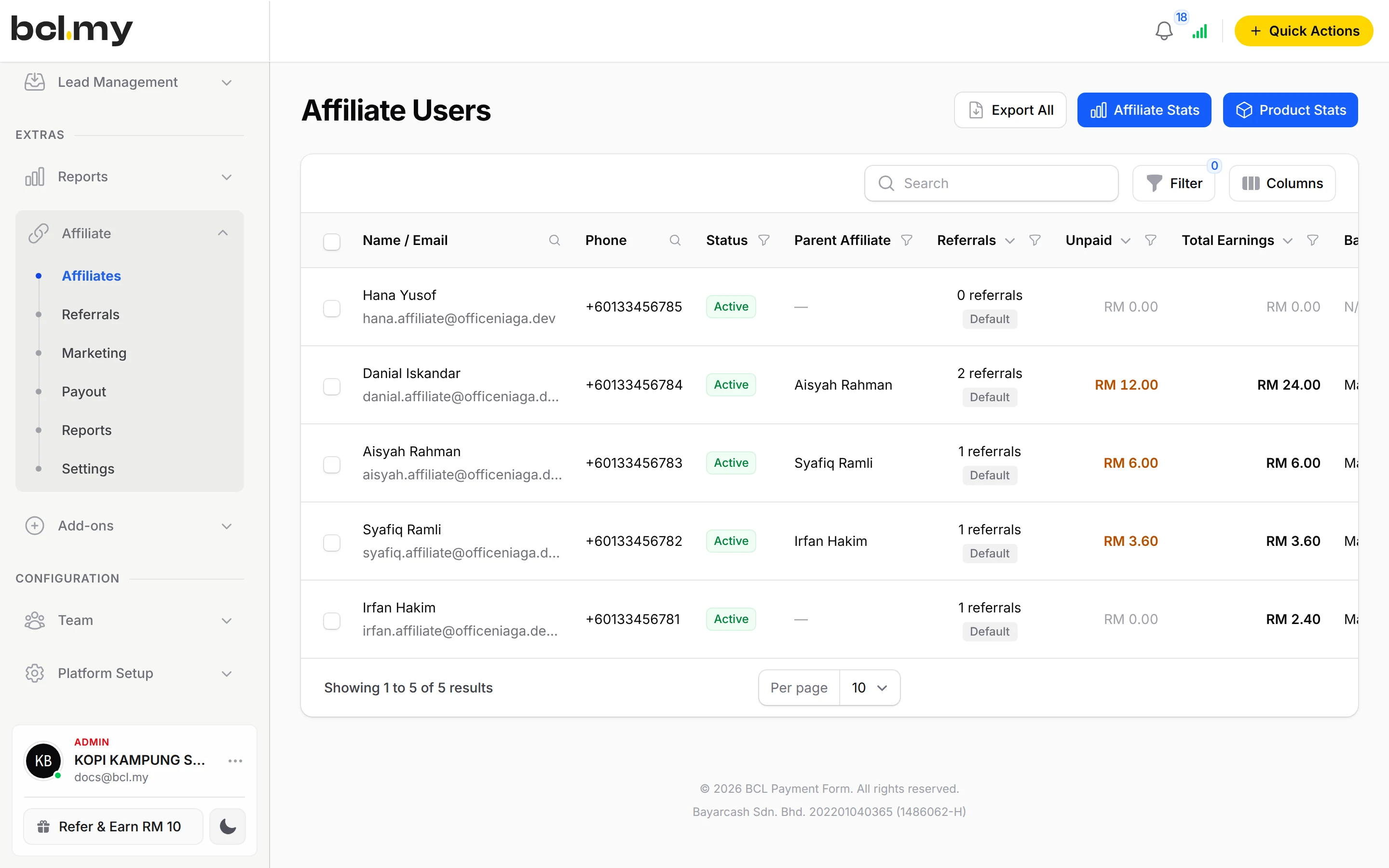
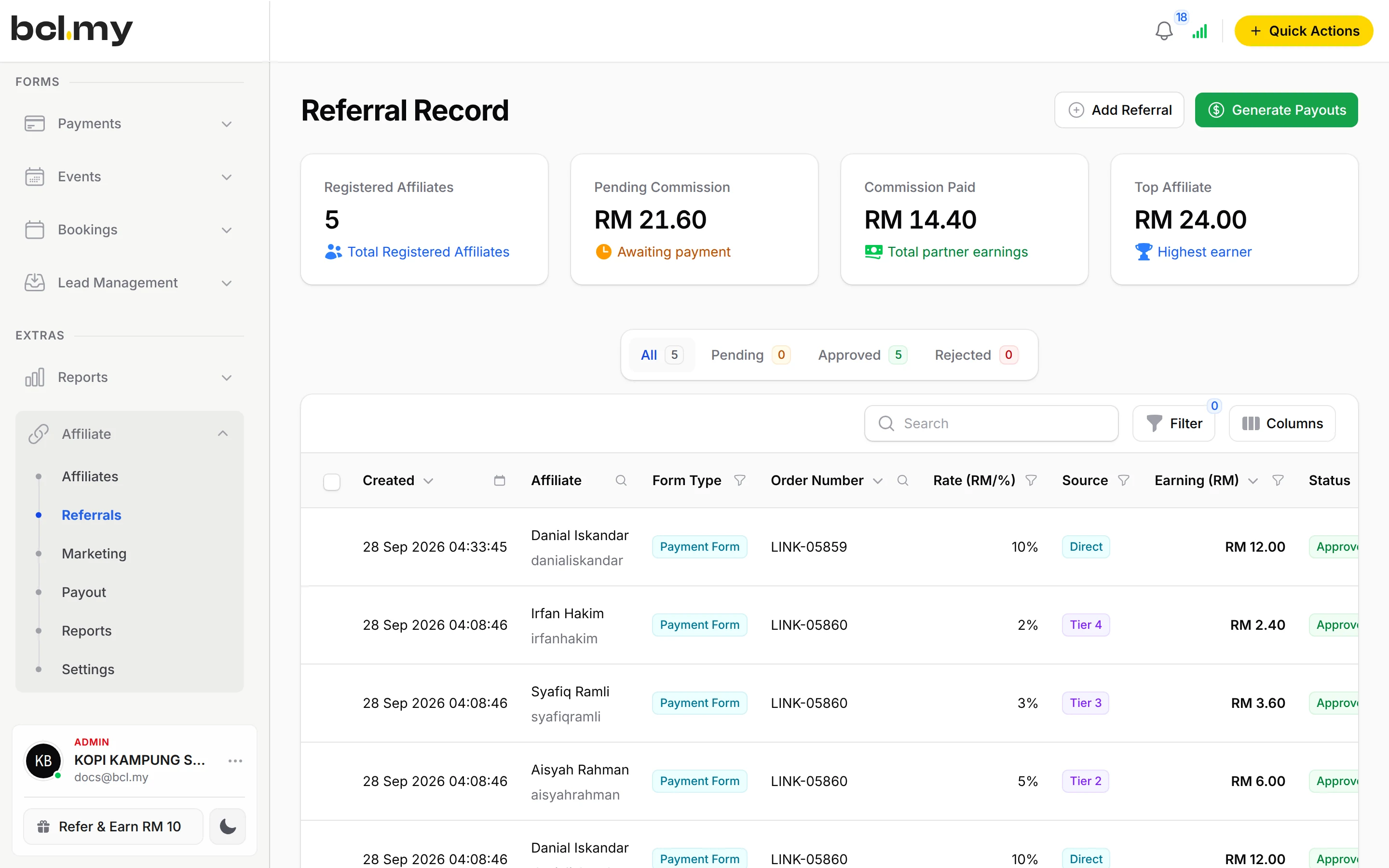
Give agents and resellers their own link. BCL tracks who sold what. You approve and pay the commission yourself.

Trusted by these companies














Before & after BCL
How it works
What you can do
Your own rate per form
Set a default commission, then use Override Commission Settings on a form for a different rate.
Commission per product
Pay a rate for each product, variation or ticket.
Multi-tier up to 10 levels
Reward the affiliates who recruited the seller, up to 10 levels.
Private programme
Only people with your invitation link can join.
Marketing media
Give agents banners and links, and email them announcements.
Payout requests
Affiliates click Request Payout once they reach your Minimum Payout Threshold. You can turn requests off.
How your customers pay
BCL tracks the commission, but it does not send money. You approve each payout, pay the affiliate yourself by bank transfer or DuitNow, then click Mark as Paid. Customers pay by FPX or DuitNow QR as standard, and cards or e-wallets once Bayarcash switches them on. Real payments need an approved Bayarcash account.
Good to know
- You approve and pay each affiliate yourself. Payouts are not automatic.
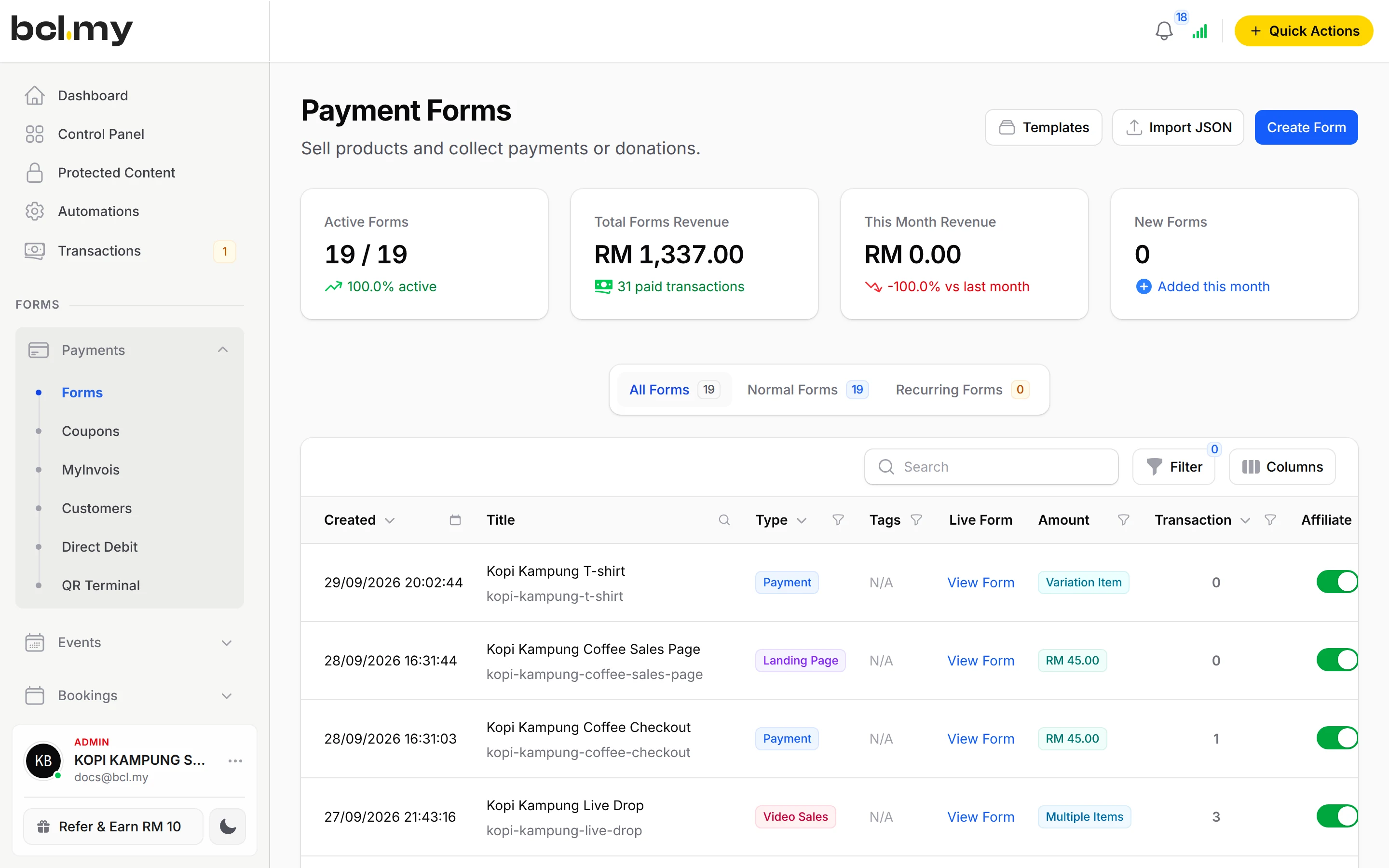
- Forms that use Direct Debit cannot have affiliates.
- An order that needs no payment earns no commission.
- A sale counts only if the customer came through the affiliate's link within your Cookie Expiration Days and the affiliate is Active.
- Affiliates have their own affiliate account. They do not see your BCL dashboard.
See it live
Opens a live example page. Please do not pay.
Questions owners ask
Does BCL pay my affiliates automatically?
No. BCL works out and tracks the commission. You approve each payout, transfer the money yourself, then click Mark as Paid under Affiliate, then Payout.
Why did an affiliate get no commission?
Check that the link ends with their ID, they are Active and Enable Affiliates is on for that form. Forms using Direct Debit earn no commission.
Can I pay different rates for different products?
Yes. Set a rate per product, variation or ticket, or use Override Commission Settings on a form.
Can I review agents before they start?
Yes. Turn on Require Manual Approval. New affiliates stay pending until you approve them under Affiliate, then Affiliates.
Which payment methods can my customers use?
FPX online banking and DuitNow QR come as standard. Cards (Visa and Mastercard), e-wallets (Touch 'n Go eWallet, Boost, GrabPay), Buy Now Pay Later (SPayLater, Grab PayLater, Boost PayFlex) and cross-border QR (Singapore, Indonesia, Thailand and China) appear once Bayarcash switches them on for your account. Prices are in RM.
Ready when you are.
Build your first form in Test Mode today. Connect Bayarcash when you want real payments.
Create your first form