
You sell in BCL. Bayarcash moves the money.
BCL is where you build forms and see every order. Bayarcash is the payment gateway that collects each payment and pays it out to your bank. Here is how the two fit together.

Where your money goes
Every payment on a BCL form goes through your own Bayarcash account. BCL does not hold your money.
Start in Test Mode
You do not have to wait for Bayarcash approval to start building.
New BCL accounts start in Test Mode. Build your forms, pay on them yourself and check the order in Transactions. Test payments go to the Bayarcash sandbox, so nothing is charged.
To take real payments you need an approved Bayarcash merchant account. When it is approved, connect it under Platform Setup > Payment and turn Test Mode off. The forms you built keep working, so you can go live the day you are approved.
One exception: QR Terminal always takes live payments, even in Test Mode.
Two logins, two jobs
You sign in to two places. Each one looks after its own part of your business.
Questions about registration, KYC, payouts or switching on payment channels go to Bayarcash. Questions about your forms and orders are answered in the BCL guides and the in-app Help Chat.
bcl.my
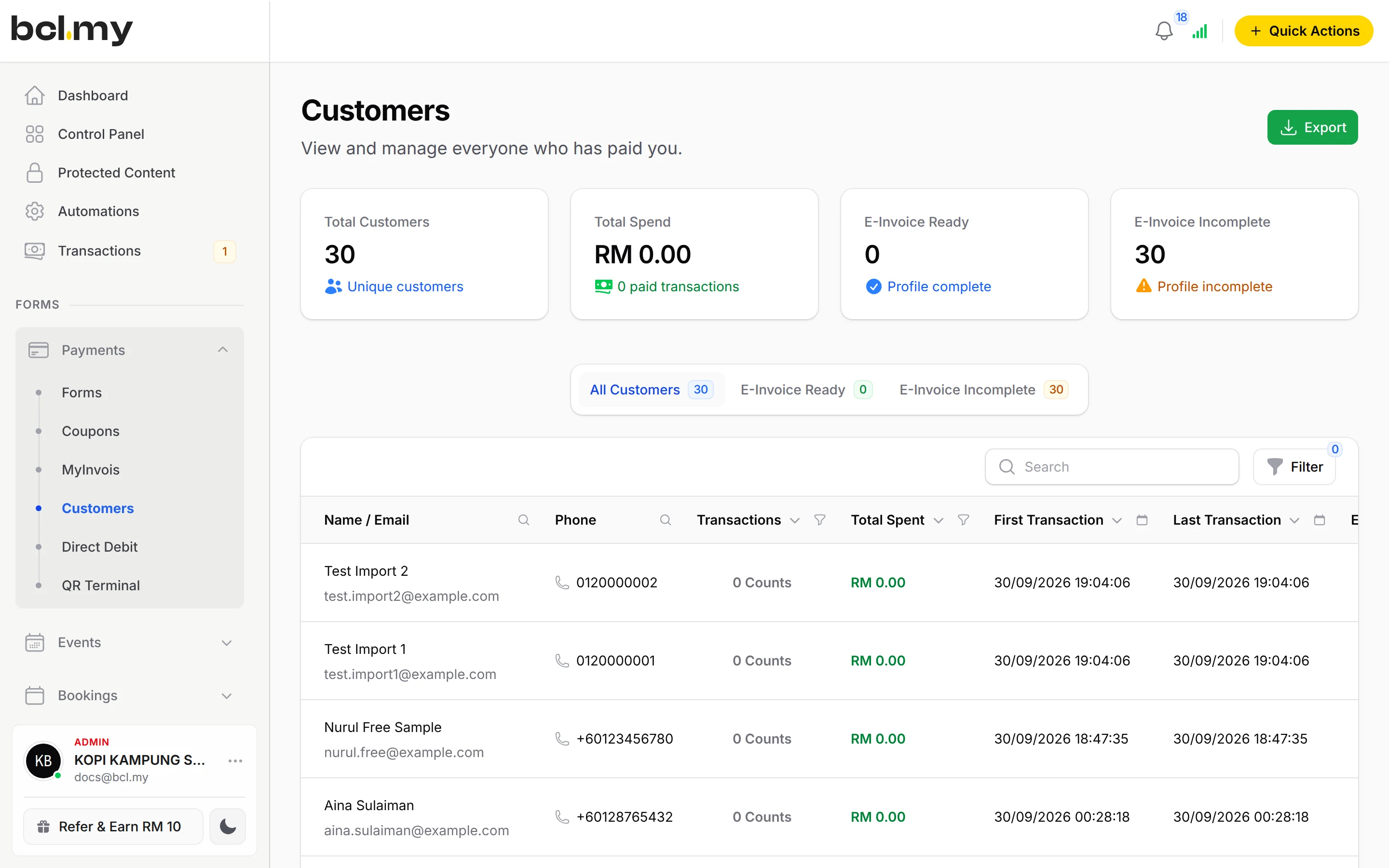
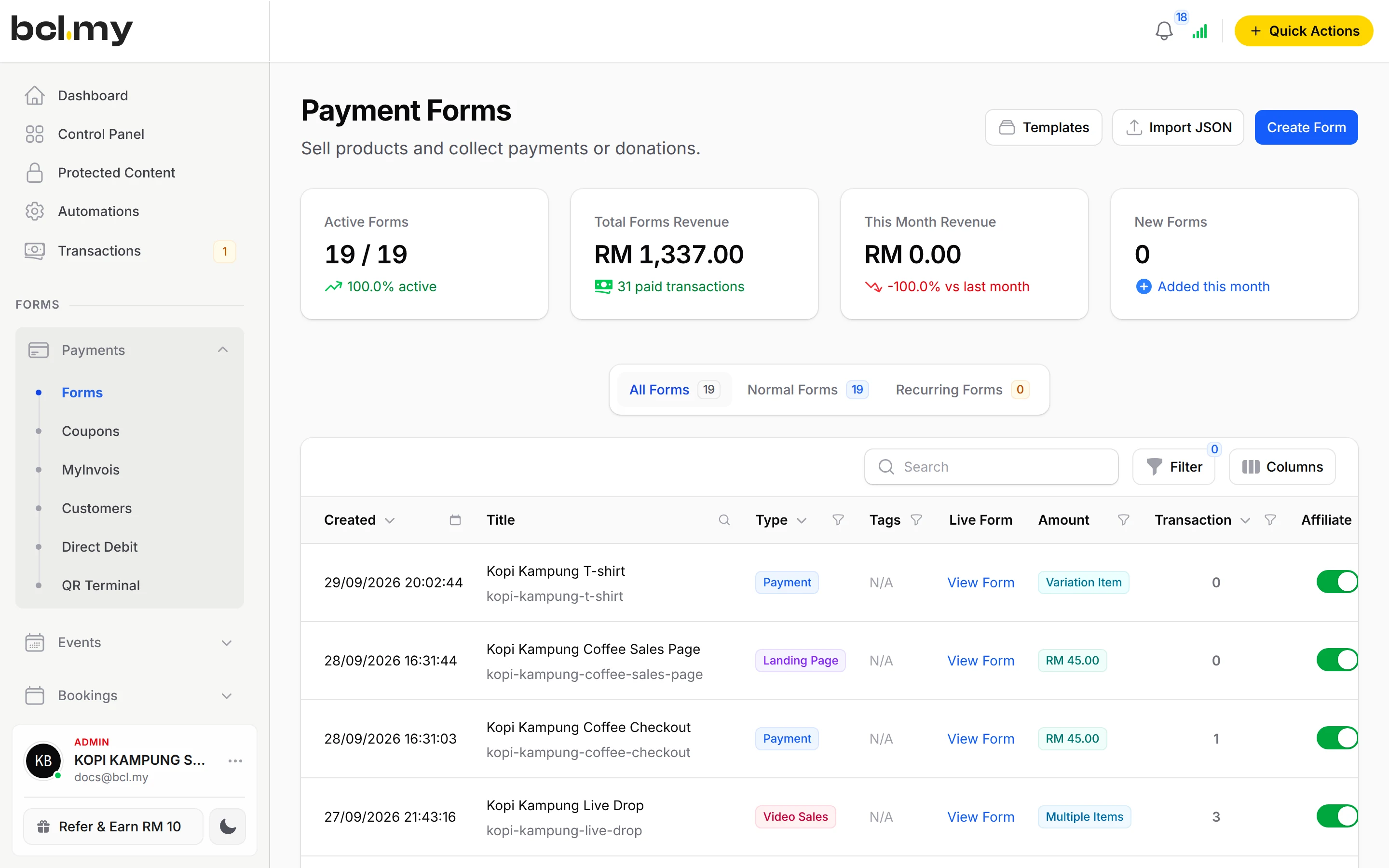
Your forms, payment links, events, bookings, affiliates, automations, shipping, e-invoices, customers and orders.
The Bayarcash Console
Your registration and approval, payouts, payout bank account, payment channels and the token BCL connects with.
Which payment methods, and when
BCL shows the channels your Bayarcash account has switched on. You tick the ones you want on each form.
- From day one: FPX online banking and DuitNow QR.
- Once Bayarcash switches them on: Visa and Mastercard cards, e-wallets (Touch 'n Go eWallet, Boost Wallet, GrabPay), Buy Now Pay Later (SPayLater, Grab PayLater, Boost PayFlex) and cross-border QR (Singapore, Indonesia, Thailand and China). Ask Bayarcash to switch them on; BCL has no button for this.
- With the COD & Manual Transfer add-on: Cash on Delivery and Manual Bank Transfer. BCL cannot see cash or transfers, so you approve each order when the money is in.
- Recurring: Direct Debit, deducted Weekly or Monthly after your customer authorises once.
- Prices are in RM.
Who your buyer contacts
Your customers bought from you, so they contact you.
Orders, deliveries, bookings and refunds are between you and your customer. BCL and Bayarcash cannot deliver an order or change it for you. Your contact details are on every receipt, so keep your Company Profile up to date.
Buyers can also look up their own orders, receipts, tickets and downloads in the Customer Portal. They sign in with a one-time code sent by email, SMS or WhatsApp, with no password.
Refunds
BCL records sales but does not hold the money, so it cannot send money back.
There is no refund button. Return the money to your customer yourself, for example by bank transfer, and put the BCL order number in the reference.
Then open the order in Transactions, choose Update Status and click Cancel. Stock and coupon uses go back, and the sale stops counting as paid, so your records match your bank.
What BCL does not do yet
Better to know now than after you build. These are not in BCL today.
- No one-click upsell, and no extra offer added at checkout.
- No paying part of a price now and the rest later. Buy Now Pay Later, once Bayarcash switches it on, is the only way for a buyer to pay over time.
- No recurring card payments. For regular payments, use Direct Debit.
- One custom domain per BCL account, not several.
- No refund button, as above.
Questions owners ask
What is BCL, and how does it work with Bayarcash?
BCL is where you build your forms, pages and payment links and see every sale. Bayarcash is the payment gateway behind it: it collects the payment and pays it out to your bank, minus its fee. To take real payments you need an approved Bayarcash merchant account.
Can I start before my Bayarcash account is approved?
Yes. New accounts start in Test Mode, so you can build and try your forms first. Test payments go to the Bayarcash sandbox and nothing is charged. Your forms keep working after you connect Bayarcash.
Why do I have two logins?
You sign in to BCL at bcl.my for your forms, orders and customers. You sign in to the Bayarcash Console for your gateway account, payouts and payment channels. Registration, approval and payouts are handled by Bayarcash.
Which payment methods can my customers use?
FPX online banking and DuitNow QR come as standard. Cards (Visa and Mastercard), e-wallets (Touch 'n Go eWallet, Boost, GrabPay), Buy Now Pay Later (SPayLater, Grab PayLater, Boost PayFlex) and cross-border QR (Singapore, Indonesia, Thailand and China) appear once Bayarcash switches them on for your account. Prices are in RM.
Does BCL ever hold my money?
No. Every payment on a BCL form goes through your own Bayarcash account, and Bayarcash pays it out to your bank. BCL records the sale and sends the receipt.
Who do I ask about my payout or my Bayarcash approval?
Bayarcash. Registration, approval, payouts, your payout bank account and switching on payment channels are all handled by Bayarcash, not in BCL.
How do refunds work?
BCL has no refund button. Return the money to your customer yourself (for example by bank transfer), then cancel the order in BCL so your records match.
Can I add an upsell or split a price into two payments?
Not today. BCL has no one-click upsell and no extra offer at checkout. It also cannot take part of a price now and the rest later. Buy Now Pay Later, once Bayarcash switches it on, is the only way for a buyer to pay over time.
Ready when you are.
Build your first form in Test Mode today. Connect Bayarcash when you want real payments.
Create your first form