
Collect every fee on time.
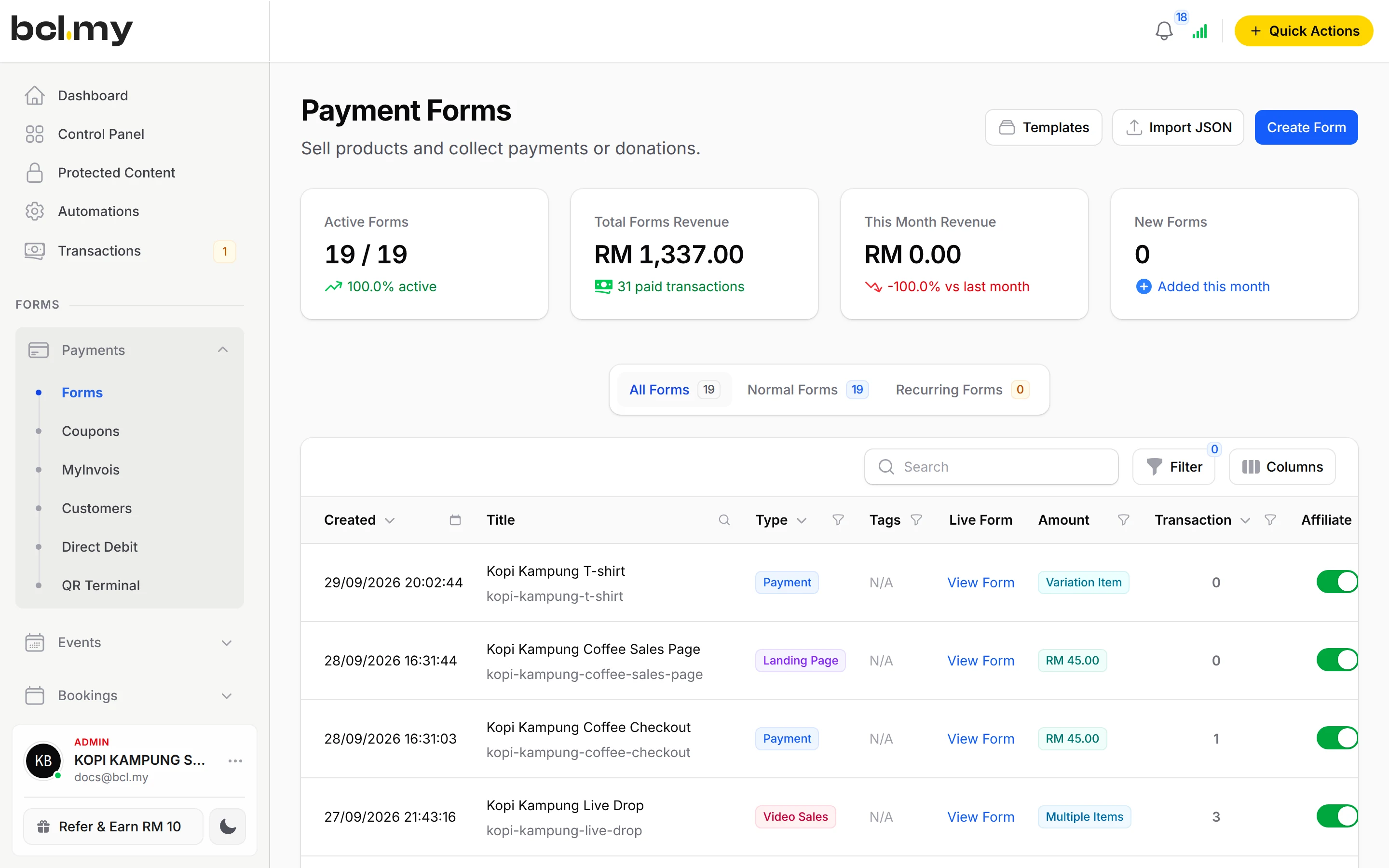
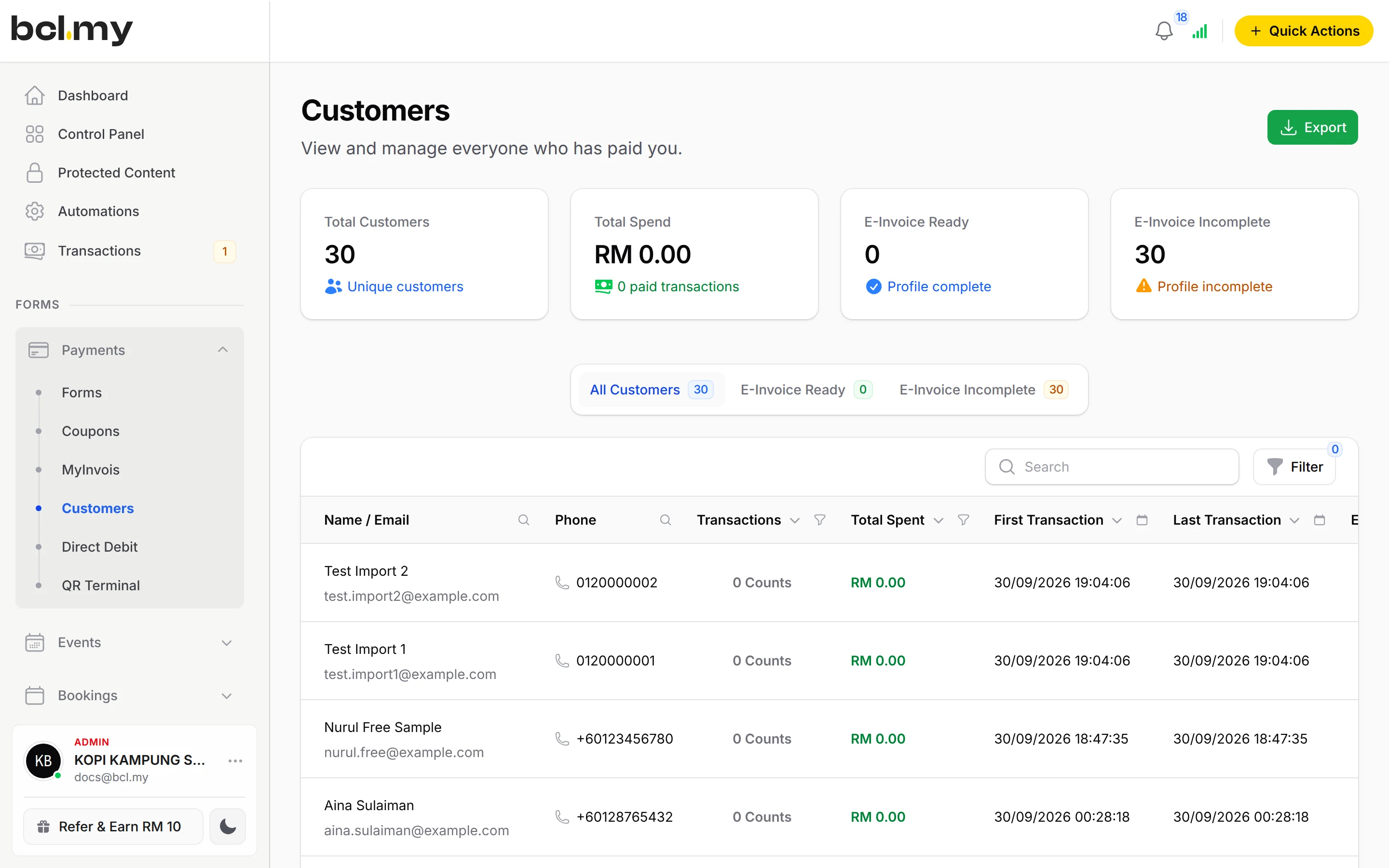
One form for the month's fee. Parents pay online, and you see who has paid without opening your bank app.

Trusted by these companies














Before & after BCL
How it works
What you can do
Single Amount for a fixed fee
One price for everyone, such as the monthly class fee.
Open Amount for contributions
Let the payer type the amount. Good for PIBG and other 'sumbangan'.
Up to 20 custom fields
Collect the student's name, class or member number on the form.
Automatic monthly collection
Use Direct Debit on a separate form so fees are deducted every month. See Collect monthly payments.
Export & reports
Export transactions to Excel, or share a Live Dashboard.
Receipts & alerts
Buyers get a receipt, and you can add up to 5 more email recipients for staff.
How your customers pay
Parents pay by FPX or DuitNow QR as standard, and cards or e-wallets once Bayarcash switches them on. Money goes through Bayarcash to your bank and BCL records the payment. Real payments need an approved Bayarcash account. Build the form in Test Mode first.
Good to know
- BCL shows who has paid. To find who has not, compare the export with your own class or member list.
- Direct Debit needs its own form. It cannot be combined with other payment options.
- There is no refund button. Refund outside BCL, then cancel the order.
See it live
Opens a live example page. Please do not pay.
Questions owners ask
How do I know which student a payment is for?
Add a Custom Field on the form for the student's name and class. Each payment in Transactions carries what the parent filled in.
Can I close the form after the due date?
Yes. Set Available Until on the Form Configuration tab, or turn off Enable Form on the form's row in Payments, then Forms.
Can parents pay a contribution of any amount?
Yes. Set Price Setting to Open Amount (User Input) and the payer types the amount.
Which payment methods can my customers use?
FPX online banking and DuitNow QR come as standard. Cards (Visa and Mastercard), e-wallets (Touch 'n Go eWallet, Boost, GrabPay), Buy Now Pay Later (SPayLater, Grab PayLater, Boost PayFlex) and cross-border QR (Singapore, Indonesia, Thailand and China) appear once Bayarcash switches them on for your account. Prices are in RM.
How do refunds work?
BCL has no refund button. Return the money to your customer yourself (for example by bank transfer), then cancel the order in BCL so your records match.
Ready when you are.
Build your first form in Test Mode today. Connect Bayarcash when you want real payments.
Create your first form