
Memberships that renew by themselves.
Members sign up once and the fee is deducted from their bank every month by Direct Debit. Classes and PT sessions are booked and paid online, with a set number of spots.

Trusted by these companies














Sound familiar?
Chasing renewals at the front desk
Every month you check who has paid, remind the rest, and hope they pay before the month runs out.
Collecting fees is a second job.
Full classes, empty classes
Twenty people turn up for a class with twelve bikes, and the next evening only three. Nobody booked, so you could not plan.
Trainers' diaries in five places
Personal training is booked by chat with each trainer. You cannot see who is available, and payments go to different accounts.
I only find out about a PT session when the member complains.
What you can do with one link
Collect monthly payments automatically
A membership form with Direct Debit set to Monthly. Members authorise once through online banking, then the fee is deducted every month until the mandate ends.
Learn more CoreTake bookings & appointments
Group classes are services with a Slot Capacity, such as 12 spots. Personal training is an Appointment with each trainer's own working hours.
Learn moreTake payments at your counter
Day passes, drinks and gear at the counter: key the amount into QR Terminal and the member scans the DuitNow QR.
Learn moreCollect fees from students & members
A Single Amount form for a joining fee, an annual plan or a challenge programme, paid once by FPX or DuitNow QR.
Learn moreSet up in 4 steps
See it live
Iron Kampung Fitness, monthly membership
- Monthly fee by Direct Debit
- Runs until the member cancels
- Opening hours and perks on the form
Open the example: Iron Kampung Fitness, monthly membership
Opens a live example page. Please do not pay.
How your customers pay
Direct Debit takes the membership fee from the member's bank account every month, once your Bayarcash portal offers it. It sits on its own form, because it cannot be combined with other payment options. Class bookings, joining fees and day passes take FPX and DuitNow QR, and cards or e-wallets once Bayarcash switches them on.
Good to know
- Direct Debit cannot be on the same form as FPX or DuitNow QR, and affiliates cannot be turned on for it.
- The bank verifies each Direct Debit sign-up first, so the first monthly deduction comes the month after the member joins.
- No recurring card payments. Monthly payments run on Direct Debit.
- No refund button. Return the money yourself, then cancel the order in BCL.
After they pay
Payments, then Direct Debit shows every member's mandate: who is active, and each deduction, successful or failed.
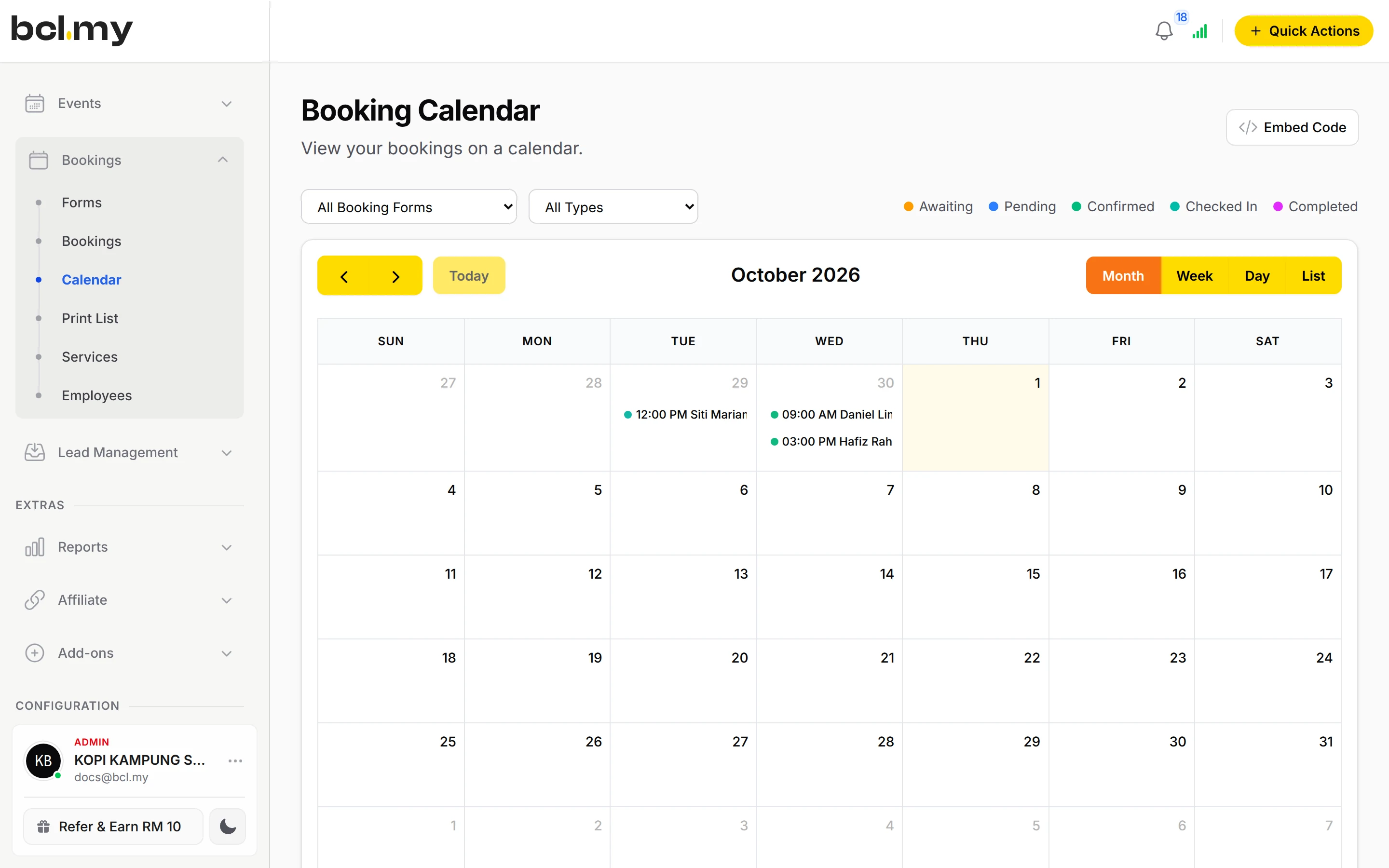
BookingsEvery class and PT session is on the Calendar. Booking emails remind members before their session, and you check them in by QR.
AutomationsWelcome each new member by email or WhatsApp, or send class tips to everyone who books one programme.
TransactionsTransactions and the Customers page show who paid what, and what each member has spent.
Questions owners ask
How does the monthly Direct Debit work?
The member fills in the form, including their identification number, and authorises the mandate in their online banking. The bank verifies it, then the fee is deducted early each month. A failed deduction is retried once later that month.
Can I limit how many people join a class?
Yes. Set the Slot Capacity on the class service. When the spots are taken, that time can no longer be booked.
Can members book a specific trainer?
Yes. Assign trainers to the Appointment service and set Staff Selection Mode to Optional or Required on the booking form. Members only see times when that trainer is working.
Where do I see who is paying monthly?
Go to Payments, then Direct Debit. The All Application, Active Enrolment and Total Deduction tabs show every sign-up, the active mandates and what has been collected.
Can I start before my Bayarcash account is approved?
Yes. New accounts start in Test Mode, so you can build and try your forms first. Test payments go to the Bayarcash sandbox and nothing is charged. Your forms keep working after you connect Bayarcash.
Which payment methods can my customers use?
FPX online banking and DuitNow QR come as standard. Cards (Visa and Mastercard), e-wallets (Touch 'n Go eWallet, Boost, GrabPay), Buy Now Pay Later (SPayLater, Grab PayLater, Boost PayFlex) and cross-border QR (Singapore, Indonesia, Thailand and China) appear once Bayarcash switches them on for your account. Prices are in RM.
Owners like you also run
Ready when you are.
Build your first form in Test Mode today. Connect Bayarcash when you want real payments.
Create your first form